AI Real Estate Photo Enhancer & Clarity Tuning
Our AI real estate photo enhancer gives you targeted control over the issues that make listing photos feel unfinished. Upload a property image, choose the edit it actually needs, and we improve that specific part of the photo — from colour and white balance to perspective, sky, clutter, facade presentation, or resolution. Instead of pushing one generic filter across the whole image, we help you refine the photo in focused passes, review the result, and keep building toward a clean, listing-ready finish.
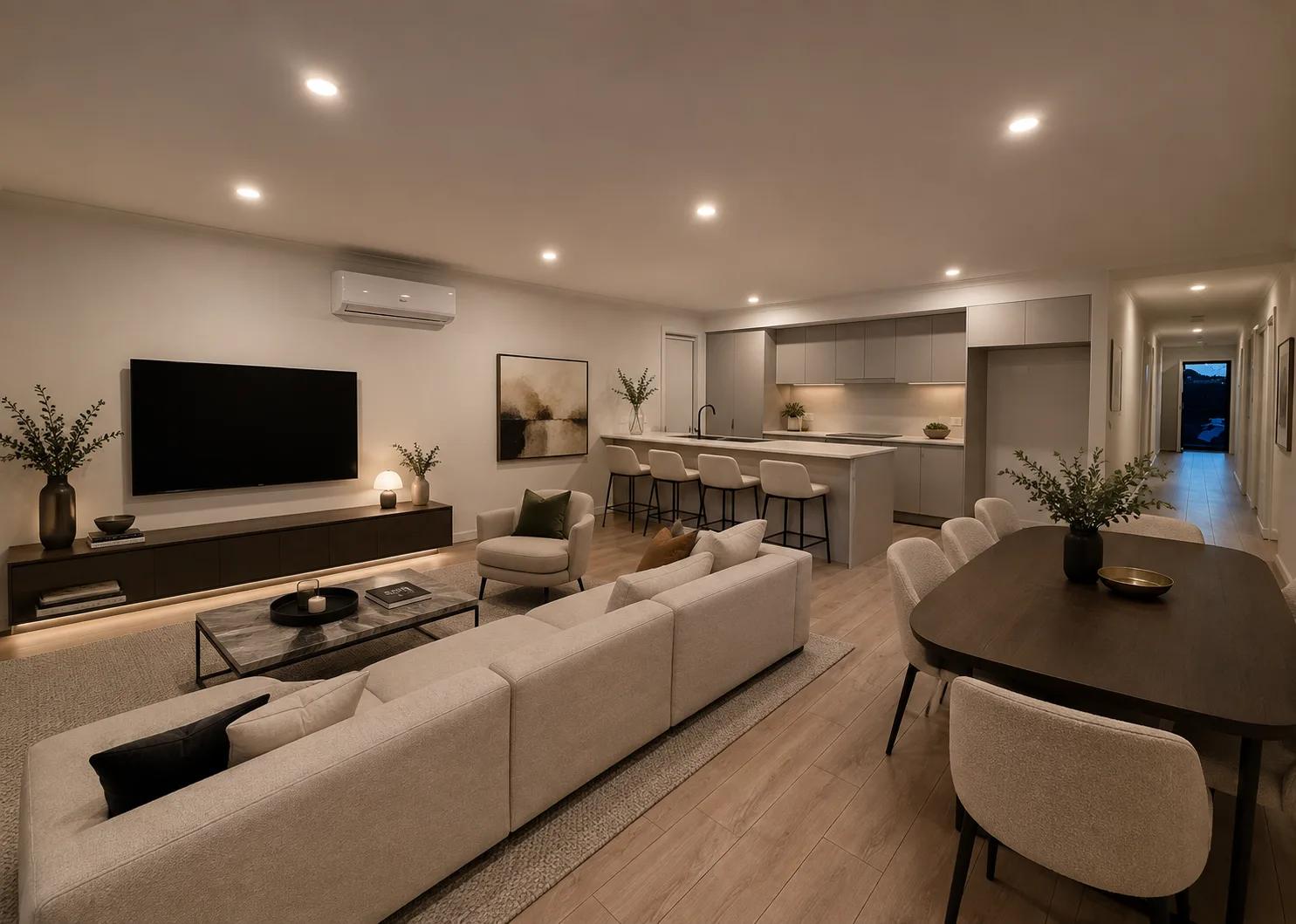
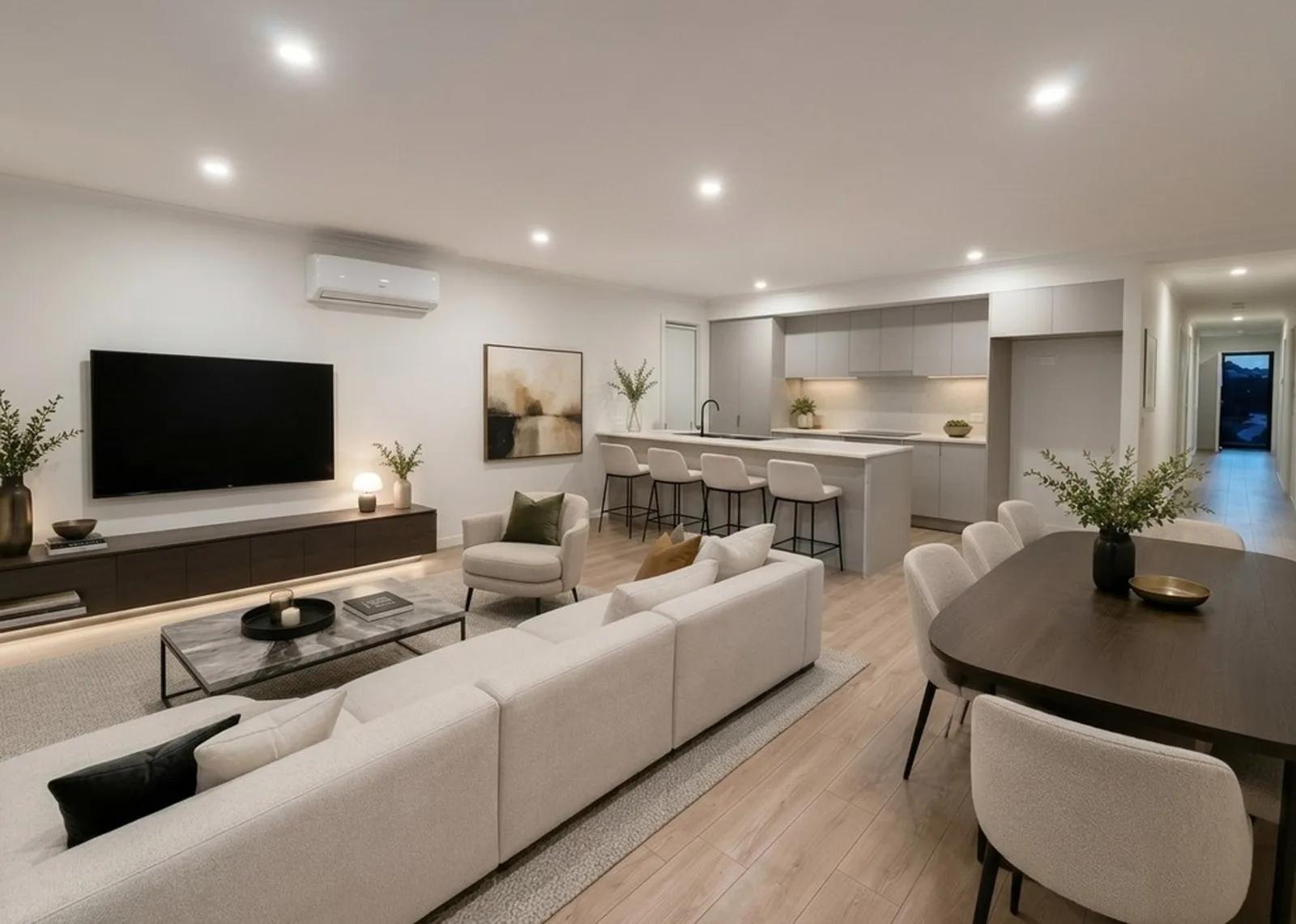
What Is AI Real Estate Photo Enhancement?
AI real estate photo enhancement improves a property image with purpose-built edits for specific visual problems. In Enhancia, you can normalise colour and white balance, correct perspective or lens distortion, replace a weak sky, clear room or lawn clutter, unfurnish a space, clean up a facade, or upscale the finished image. You choose the operation, we process the photo, and you review the result.
Property photos rarely need the same correction. An exterior may need straighter verticals and a cleaner sky, while an interior may need colour balance or decluttering. Keeping each edit separate helps us improve clarity and presentation without forcing unrelated changes onto areas that already look right.
How to Enhance a Real Estate Photo
Improving a listing image takes three clear steps and no advanced editing workflow:
- 1Upload your property photo — Add one or more JPEG, PNG, HEIC, or HEIF images, up to 50MB each.
- 2Choose the enhancement — Select the specific edit the photo needs, such as colour normalisation, perspective correction, decluttering, sky replacement, facade cleanup, unfurnishing, or upscaling.
- 3Review, refine, and download — Compare the original with the enhanced version, apply another targeted edit if needed, then save the finished image.
Each enhancement runs as its own operation. You can correct geometry without changing colour, tidy a room without touching the exterior, or upscale only after the visual edits are complete. That makes every change easier to review and keeps the workflow predictable.
Why Targeted Enhancement Produces Better Listing Photos
A usable property photo can still feel flat, inconsistent, or distracting. Targeted enhancement lets you fix the issue holding the image back without over-editing the whole frame:
- Cleaner colour and light — Normalise colour and white balance so rooms and finishes read more naturally.
- Straighter architectural lines — Correct perspective and lens distortion around walls, windows, doorways, and facades.
- Less visual distraction — Declutter rooms or lawns, unfurnish where appropriate, or tidy exterior presentation.
- Stronger exterior presentation — Improve skies and facade presentation when an outdoor image needs polish.
- More usable final files — Upscale the completed photo when you need a higher-resolution output.
What You Can Tune in a Property Photo
The Photo Enhancer combines property-specific editing operations in one workflow, so you can choose only what each image needs:
- Colour & white balance — Reduce colour casts and improve consistency across interiors, exteriors, and mixed-light scenes.
- Perspective & lens distortion — Correct converging verticals, leaning architecture, and lens-related geometry.
- Scene cleanup & presentation — Declutter rooms or lawns, unfurnish spaces, and clean up facade presentation.
- Sky & resolution — Replace an unsuitable sky where needed, then upscale the final image for higher-resolution output.
Photo Enhancer, Day to Dusk, and Virtual Staging
These tools belong to the same property-media workflow, but they solve different visual jobs:
- Photo Enhancer handles targeted corrections — colour, perspective, clutter, sky, facade presentation, unfurnishing, and resolution.
- Day to Dusk changes the lighting — use it when you want a daytime exterior presented as a warm twilight scene.
- Virtual Staging adds furniture — use it when an empty room needs a furnished presentation.
Use the Photo Enhancer when the original scene is right but needs technical or presentational refinement. Choose Day to Dusk for a time-of-day transformation, and Virtual Staging when an empty room needs furnishing. Keeping those jobs separate helps you choose the right level of edit.
Inputs & Outputs
Enhance the Photo, Keep the Property Credible
- Photo enhancement should improve presentation without making the listing misleading. Review every result before publishing, especially after sky replacement, decluttering, unfurnishing, lawn cleanup, or facade treatment. Very dark, blurry, obstructed, or low-detail source photos will limit what AI can recover. Check architectural lines, fixtures, finishes, exterior features, and reconstructed areas, and make sure the final image still represents the property appropriately for your listing or campaign.
Frequently Asked Questions
What does an AI real estate photo enhancer do?
Our Photo Enhancer applies targeted AI edits to property photos, including colour and white balance, perspective and lens correction, sky replacement, room or lawn clutter removal, unfurnishing, facade cleanup, and resolution upscaling.
Is the Photo Enhancer just one automatic filter?
No. We keep the main corrections separate so you can choose what the photo actually needs, such as fixing perspective without automatically changing colour.
Can I apply more than one enhancement to the same photo?
Yes. Apply edits individually, compare the result after each pass, then decide whether another correction is useful before downloading the final image.
What file types can I upload?
We support JPEG, PNG, HEIC, and HEIF images up to 50MB per photo. The output is an enhanced property image, with optional upscaling for higher-resolution delivery.
Can AI enhancement fix a very blurry or badly exposed property photo?
It can improve some problems, but source quality sets the limit. Heavy blur, extreme darkness, or major obstruction may leave too little usable detail to recover accurately. Start with the clearest original available and review the result closely.
How is Photo Enhancement different from Day to Dusk or Virtual Staging?
Photo Enhancement corrects an existing image. Day to Dusk changes the time-of-day presentation, while Virtual Staging adds furniture and decor to an empty room. Use the tool that matches the visual change you need.
Related Tools
Day to Dusk
Our AI day to dusk tool turns your ordinary daytime exterior into a warm, golden-hour twilight shot in seconds. Upload a photo taken in flat midday light, and we relight the sky, warm the tones, and switch on the window lights so your property glows the way it would at dusk. It’s the single most eye-catching edit in real estate photography — and you get it without waiting for the perfect evening, without a tripod, and without touching Photoshop.
Virtual Staging
Furnish an empty room in a photo without moving a single piece of furniture.
More resources
Read related guides in the Enhancia Knowledge Base, or see full pricing details on the pricing page.