AI Tools for Real Estate Media
Every AI tool Enhancia offers for property photos, listing copy, floor plans and video - each with its own guide, examples and FAQs.
Photo Enhancement
 Before
AI Real Estate Photo Enhancer
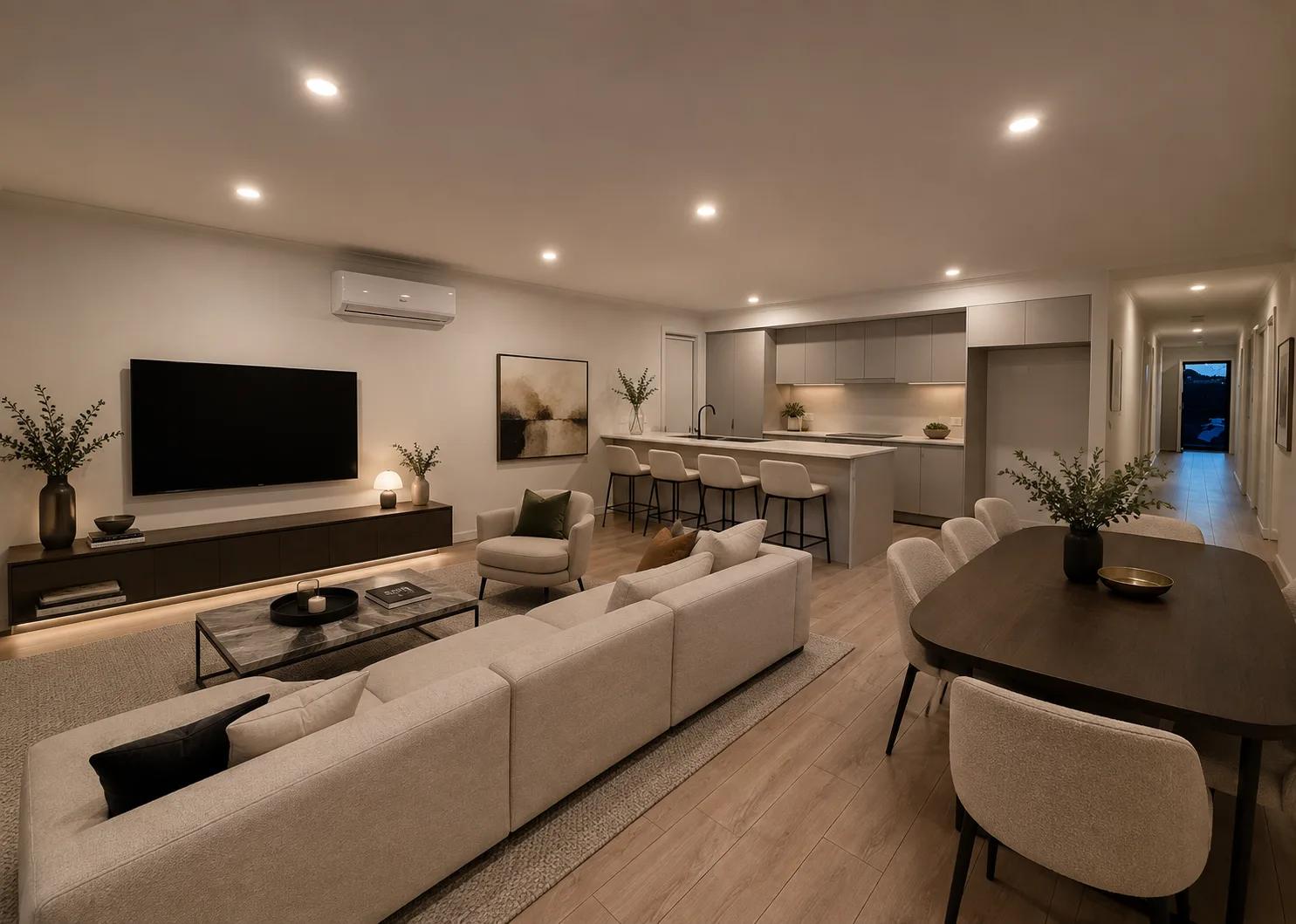
Our AI real estate photo enhancer gives you targeted control over the issues that make listing photos feel unfinished. Upload a property image, choose the edit it actually needs, and we improve that specific part of the photo — from colour and white balance to perspective, sky, clutter, facade presentation, or resolution. Instead of pushing one generic filter across the whole image, we help you refine the photo in focused passes, review the result, and keep building toward a clean, listing-ready finish.
View AI Real Estate Photo Enhancer →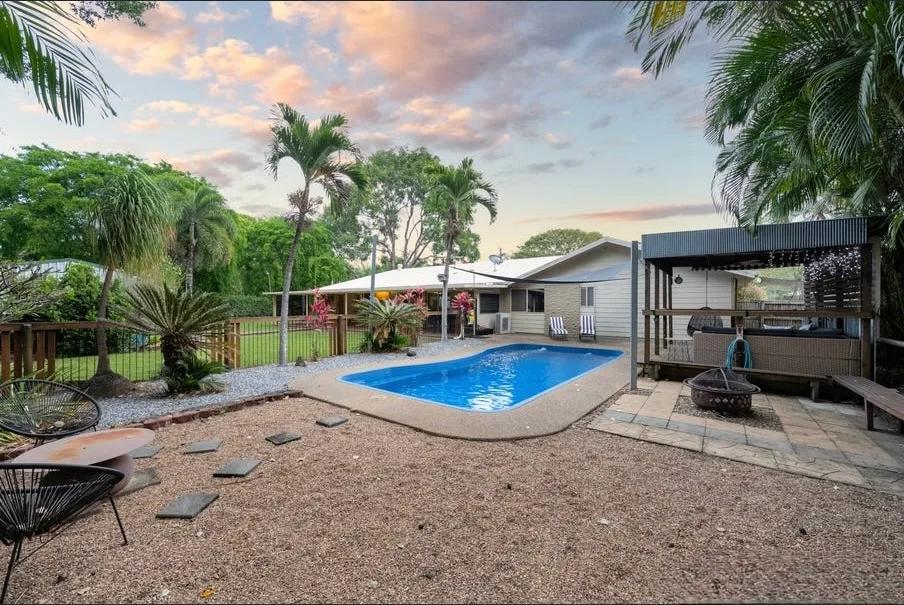 Before
Day to Dusk
Our AI day to dusk tool turns your ordinary daytime exterior into a warm, golden-hour twilight shot in seconds. Upload a photo taken in flat midday light, and we relight the sky, warm the tones, and switch on the window lights so your property glows the way it would at dusk. It’s the single most eye-catching edit in real estate photography — and you get it without waiting for the perfect evening, without a tripod, and without touching Photoshop.
View Day to Dusk →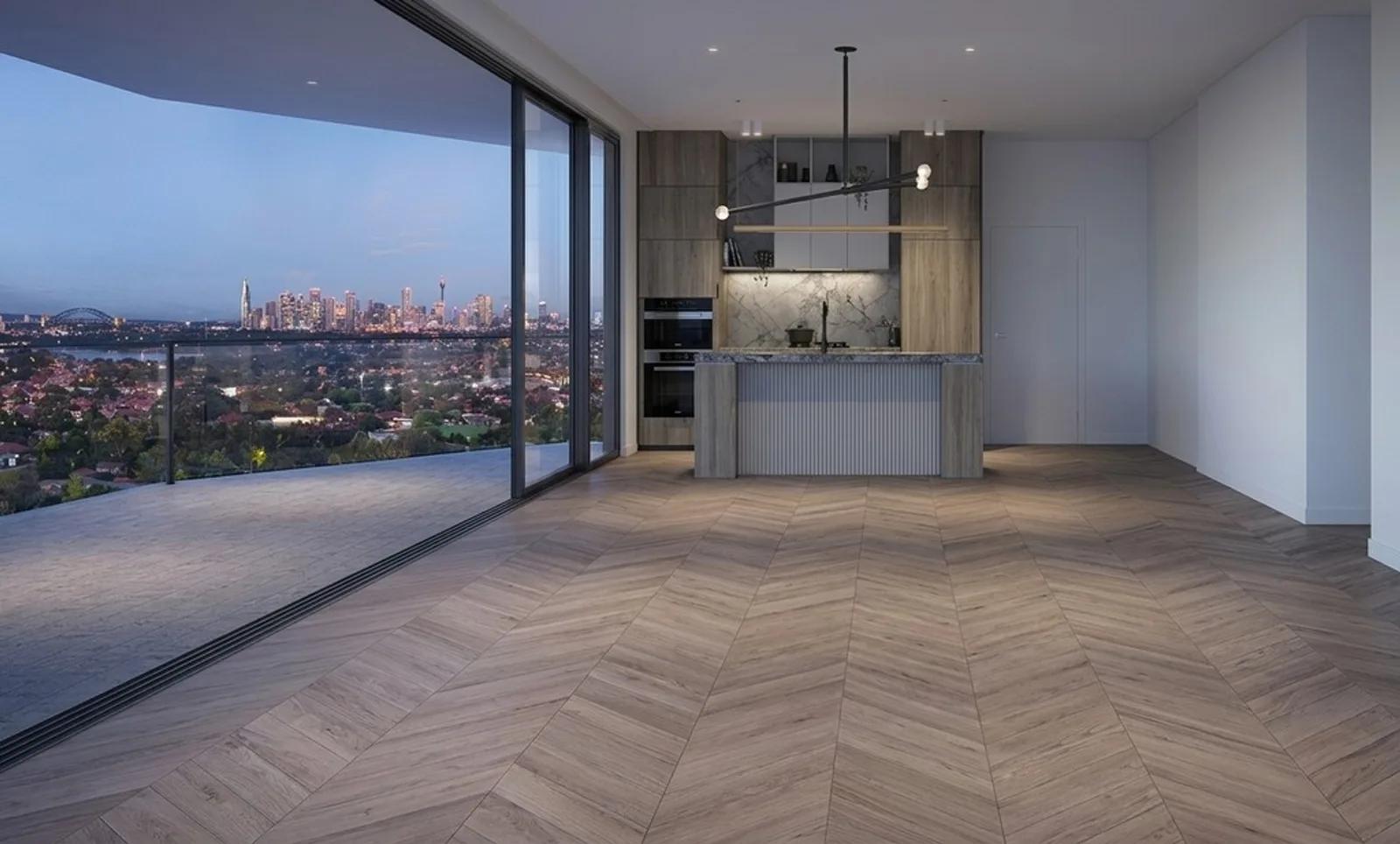 Before
Virtual Staging
Furnish an empty room in a photo without moving a single piece of furniture.
View Virtual Staging →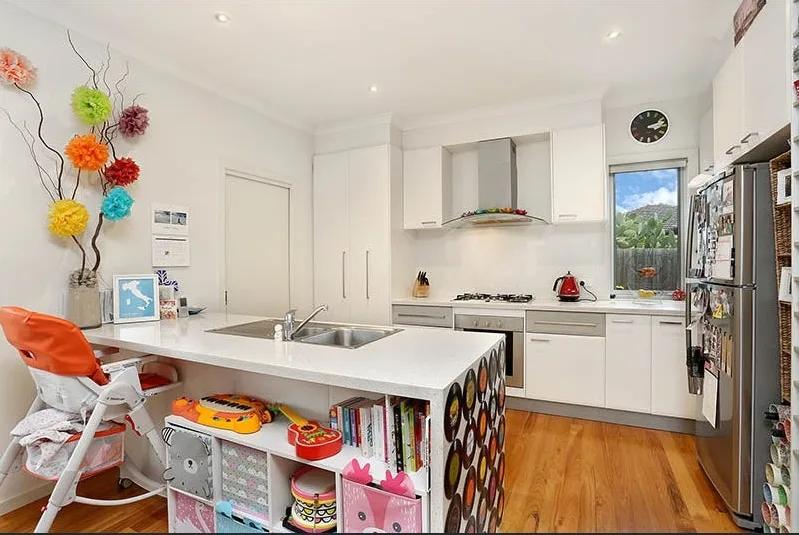 Before
Declutter
Our AI declutter tool tidies up your listing photos by removing the small, distracting items that pull attention away from the room — without moving your furniture or changing the layout. Upload a photo of a lived-in space, and we clear the clutter: the stray shoes, the benchtop mess, the fridge magnets, the laundry basket in the corner. What’s left is a clean, tidy version of the same room, ready for your listing in seconds. No staging day, no tidying up on site, no Photoshop.
View Declutter →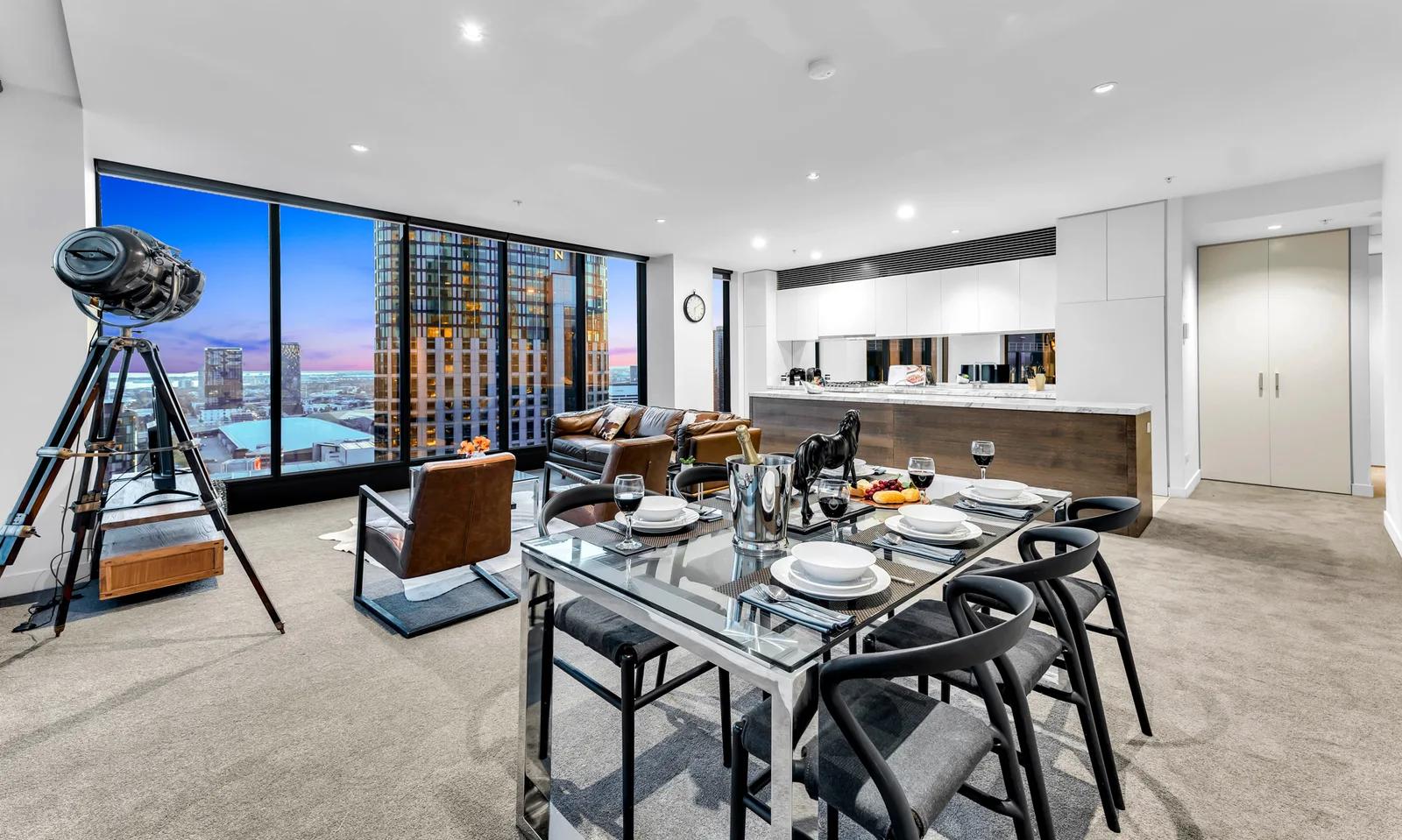 Before
Remove Furniture
Our AI furniture removal tool digitally clears furniture out of your room photo, leaving a clean, empty space that shows your property at its full potential. Upload a picture of a furnished or cluttered room, and we remove the pieces you don’t want on show — sofas, beds, tables, and everyday clutter — then rebuild the floor, walls, and light behind them so your result looks like the room was photographed empty. No moving, no mess, just a clean listing photo in seconds.
View Remove Furniture →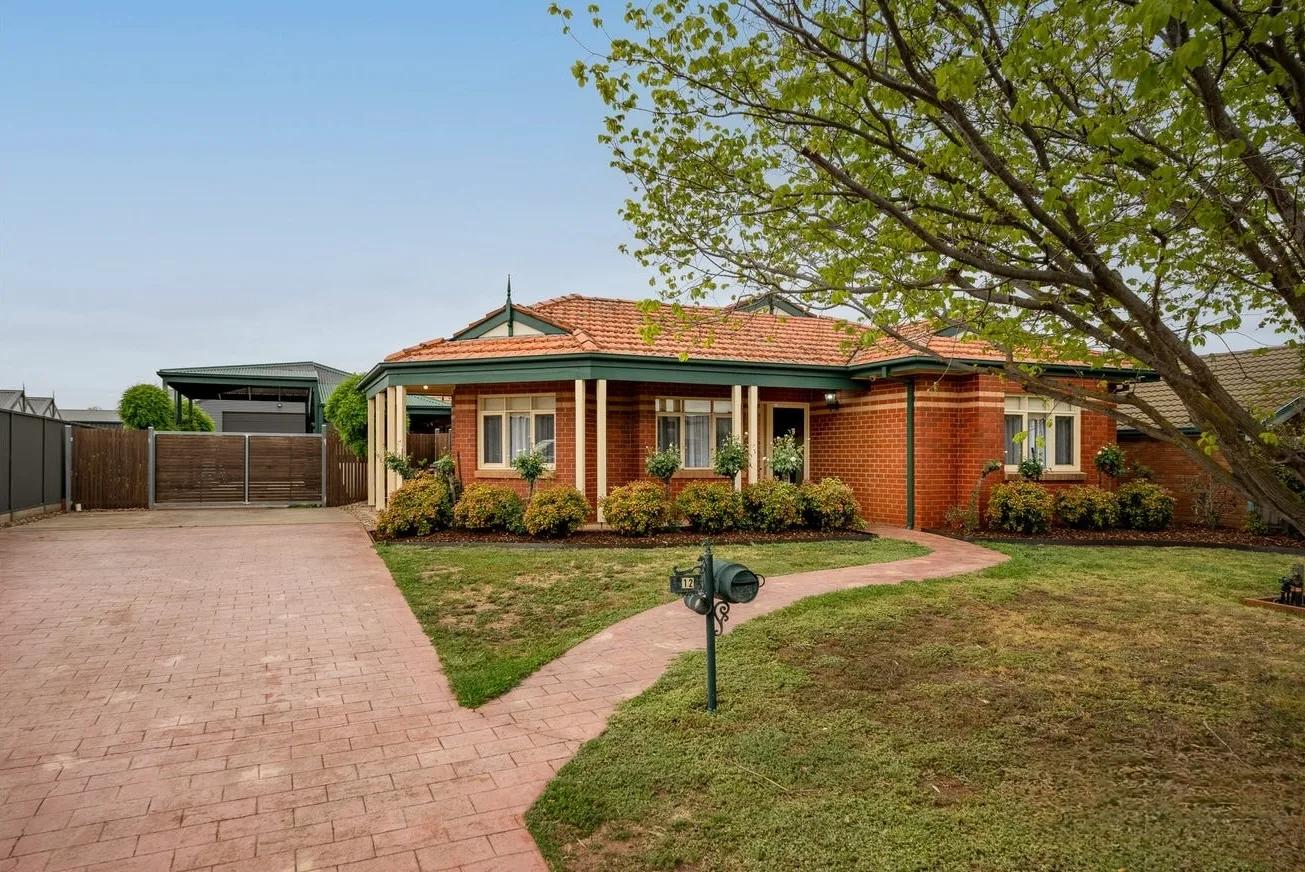 Before
Boost Curb Appeal
Improve exterior presentation for property photos with an AI cleanup pass.
View Boost Curb Appeal →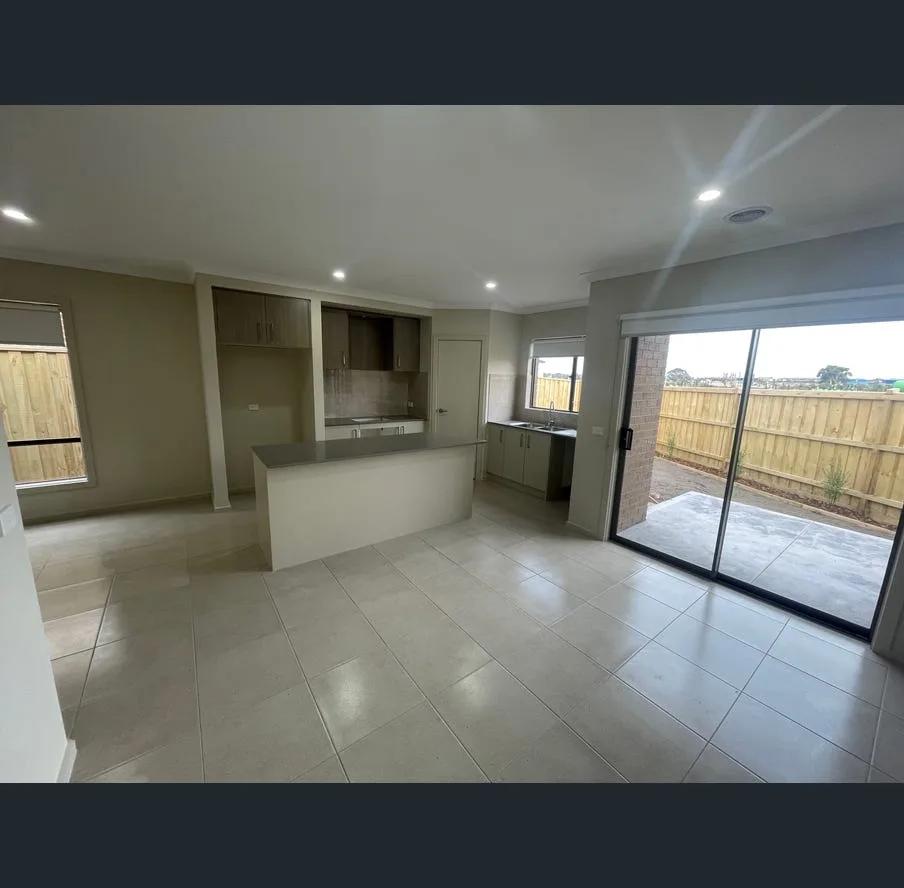 Before
Perspective Fix
Our AI perspective fix straightens the leaning walls and tilted lines that make property photos look off. Upload a shot where the walls seem to fall inward or the building edges lean, and we correct the verticals so everything stands straight and true — the way the room or facade actually looks in person. You get a clean, professional, properly aligned image in seconds, with no tripod, no tilt-shift lens, and no Photoshop.
View Perspective Fix →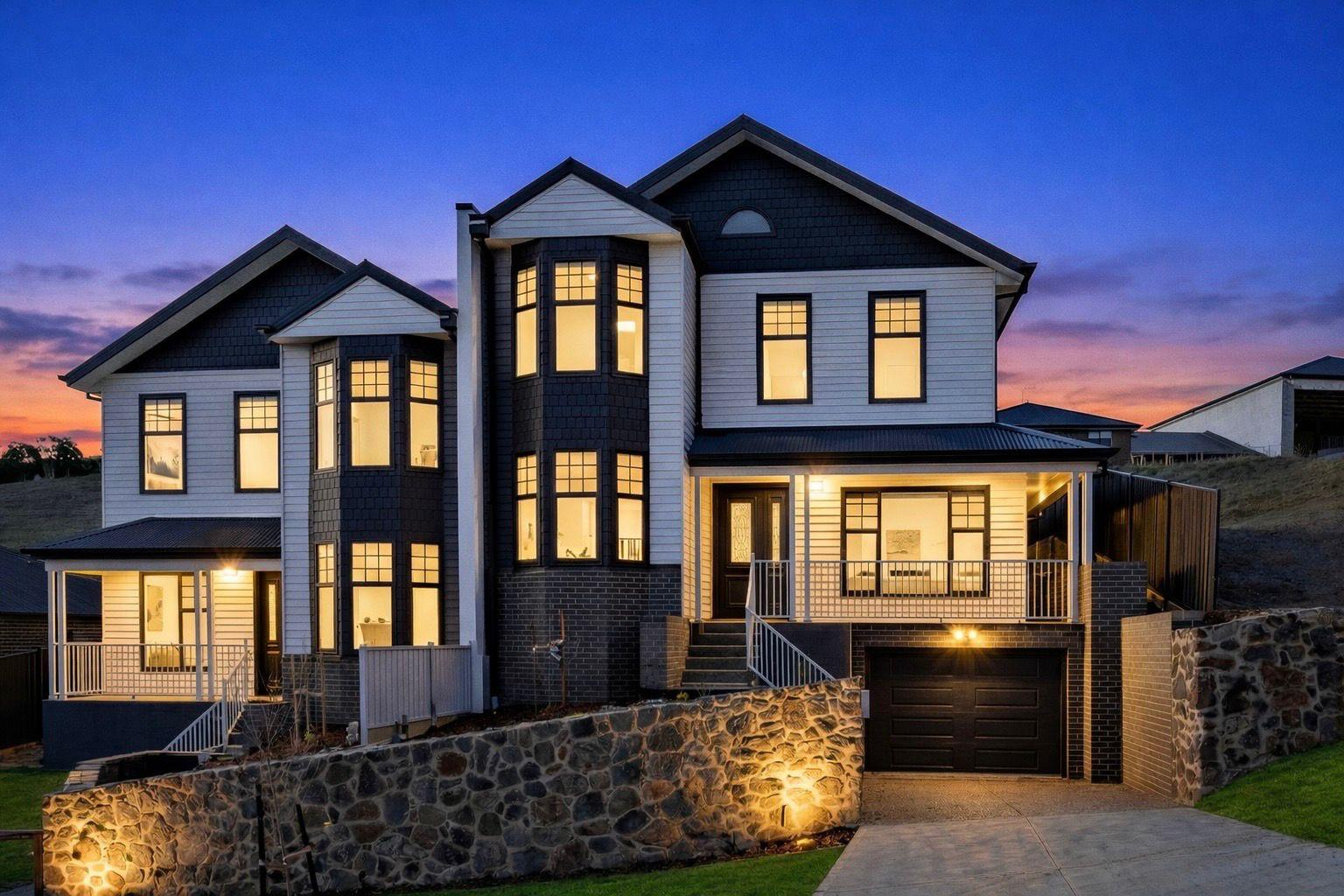
Download in HD
Increase property photo resolution for sharper print and display use.
View Download in HD →
Add Branding
We make real estate photo branding simple by helping you apply agency branding to property images so listings, social posts, and campaign assets carry a consistent visual identity.
View Add Branding →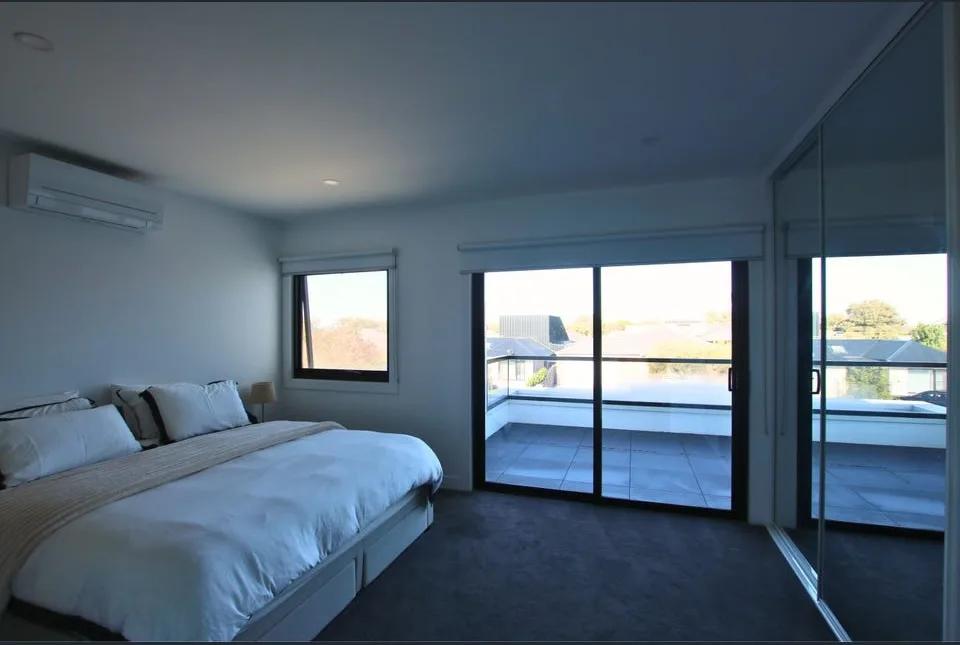 Before
Color Normalisation
We make property photo color correction simple by balancing unwanted color casts, white tones, brightness, and overall tone so listing images look cleaner and more consistent before you publish them.
View Color Normalisation →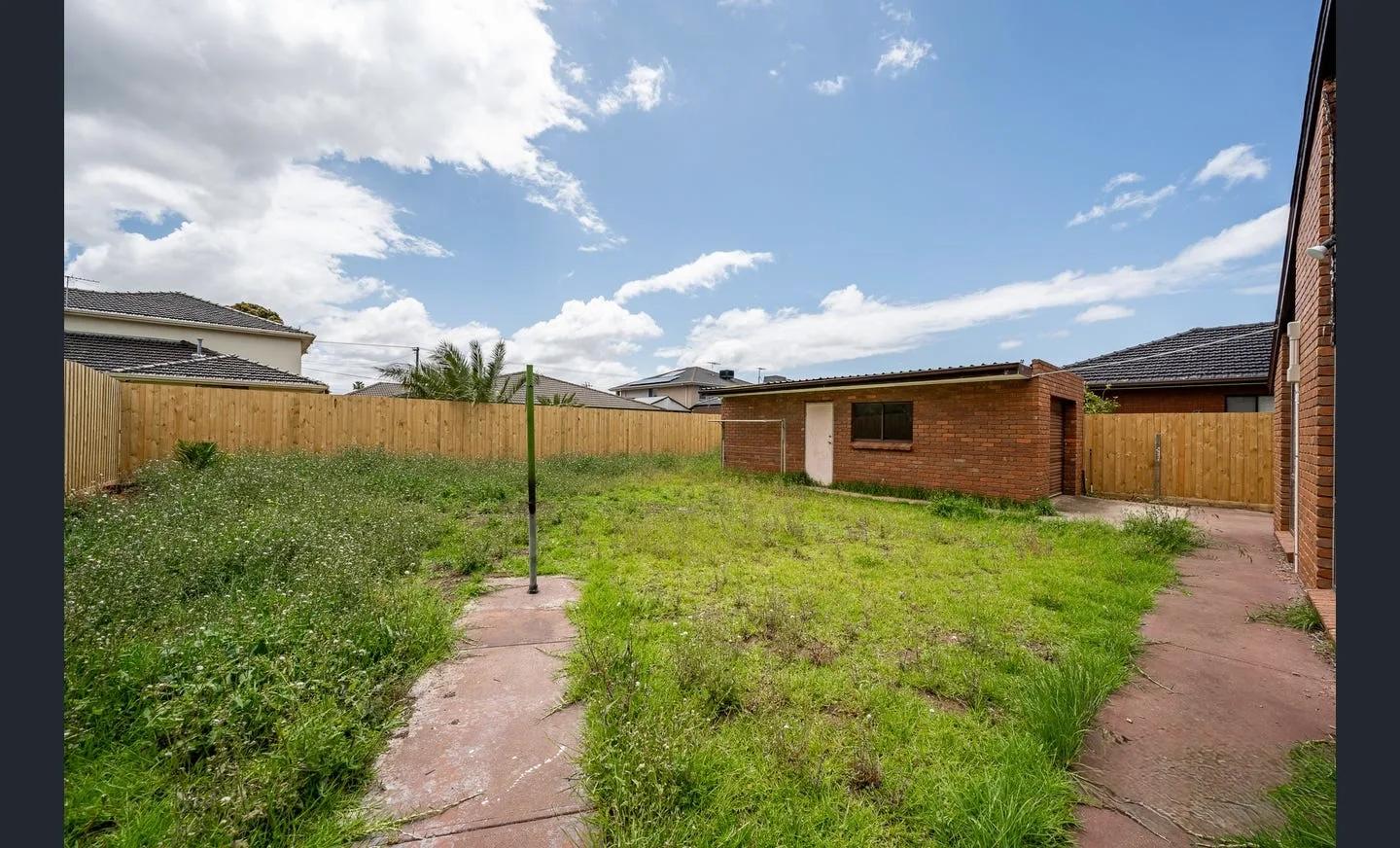 Before
Restore Lawns & Grass
Our AI lawn enhancement tool cleans up patchy, worn, or uneven grass in exterior listing photos while keeping the property and outdoor layout recognizable. Upload a photo of the yard, and we improve the lawn presentation: tired grass, inconsistent coverage, and areas that make the exterior feel less polished. What’s left is a cleaner, more even-looking version of the same property, ready for your listing. No landscaping day, no reshoot, no Photoshop.
View Restore Lawns & Grass →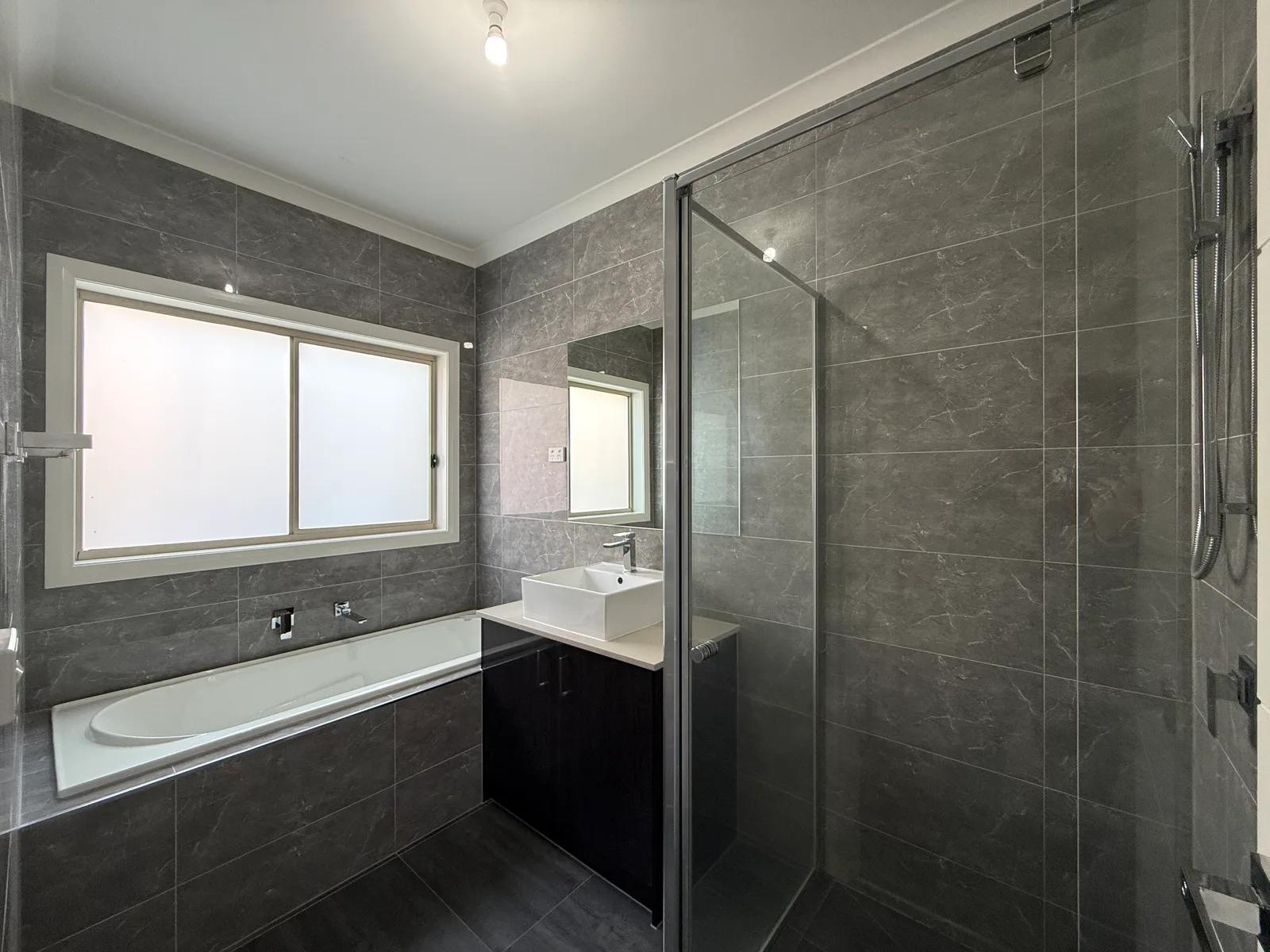 Before
Bathroom Glow Up
Our AI Bathroom Glow Up tool makes bathroom listing photos look cleaner, brighter, and more polished without redesigning the room. Upload a bathroom image and we improve presentation around vanities, mirrors, glass, tiles, and fixtures so the same space reads more clearly. You get a listing-ready result in seconds. No manual retouching, no complex editing software, no reshoot.
View Bathroom Glow Up →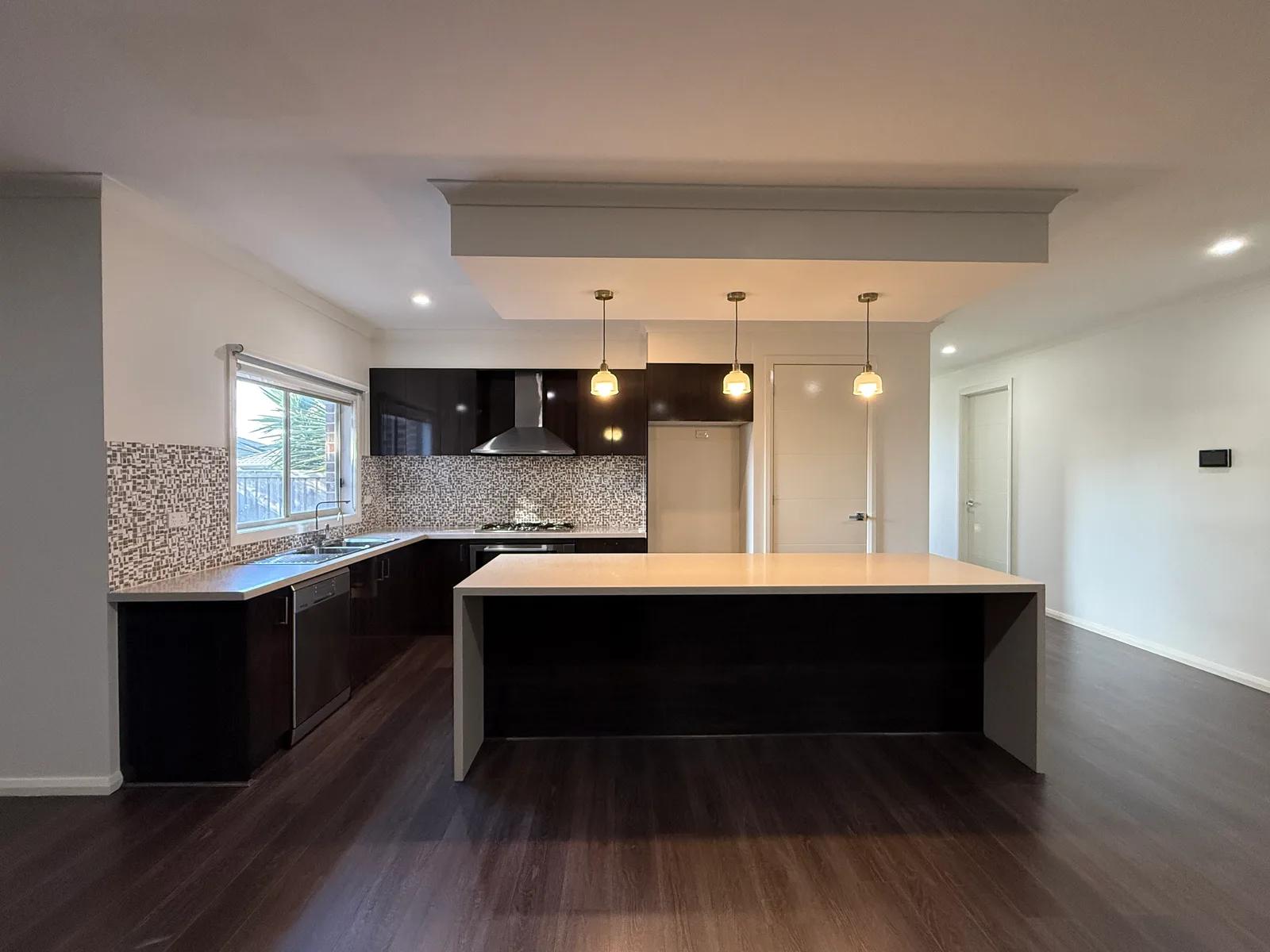 Before
Kitchen Shine Up
Our AI Kitchen Shine Up tool brightens and polishes kitchen listing photos so the room feels clean, clear, and ready to market - without redesigning the kitchen or changing its layout. Upload a kitchen photo, and we improve how key details read in the frame: cabinetry, benchtops and countertops, splashbacks, appliances, sinks, tapware, and reflective finishes. The result is a sharper, more balanced version of the same kitchen, ready for you to review before publishing. No manual retouching, no generic one-click filter.
View Kitchen Shine Up →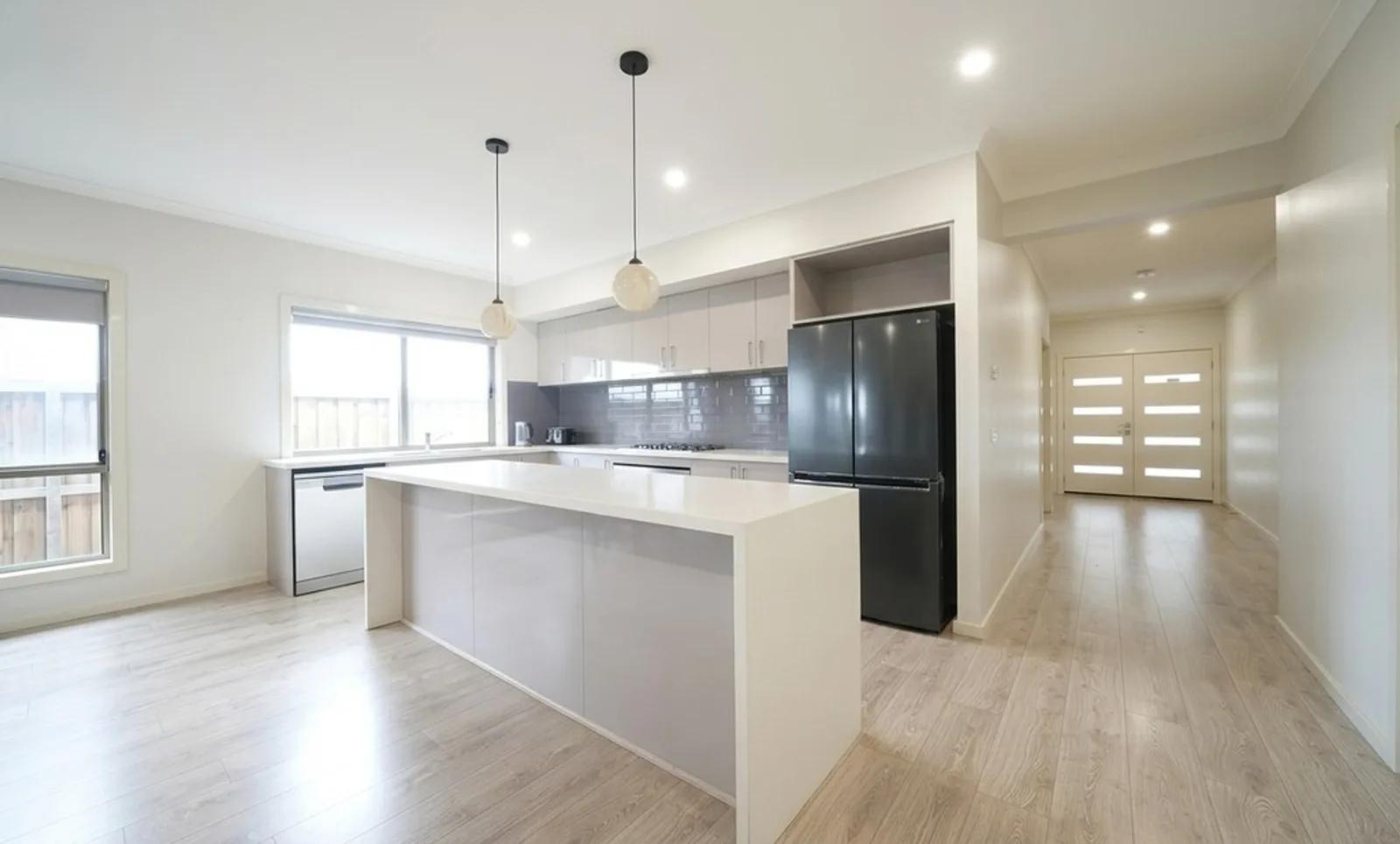 Before
Dehaze Window Light
Our AI Dehaze Window Light tool fixes the bright-window problem that can flatten an otherwise strong interior listing photo. Upload a room image where the window has blown out to white or strong daylight has washed glare across the space, and we rebalance the scene: the window area becomes readable again, the veiling haze is reduced, and the room regains clearer contrast. Window frames, glazing bars, blinds, curtains, furniture, fixtures, finishes, and layout stay in place. You get a cleaner, more balanced property photo from a single image — without manually masking windows or blending bracketed exposures in Photoshop.
View Dehaze Window Light →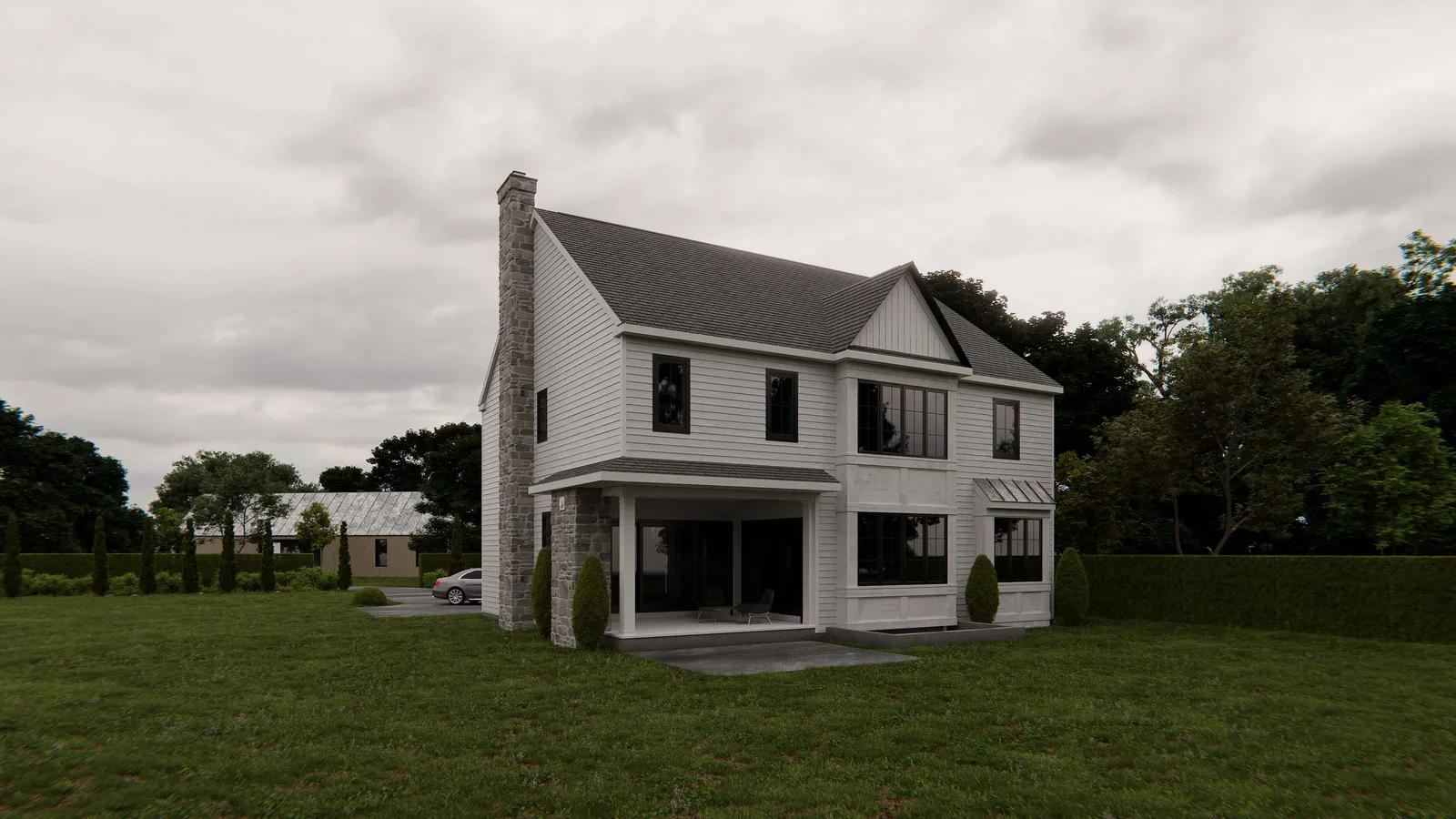 Before
Cloudy to Sunny
Our AI Cloudy to Sunny tool turns a flat, overcast exterior property photo into a brighter sunny-day image without changing the property itself. Upload a listing photo with a grey or white sky and dull, diffuse light, and we replace the overcast sky with a clear blue one, re-light the scene from a single sun direction, add consistent shadows, and restore the contrast that cloudy weather can flatten. The building, landscaping, driveway, rooflines, windows, fences, and other property features stay where they were. You get a cleaner, more inviting exterior image without waiting for better weather or organising another shoot.
View Cloudy to Sunny →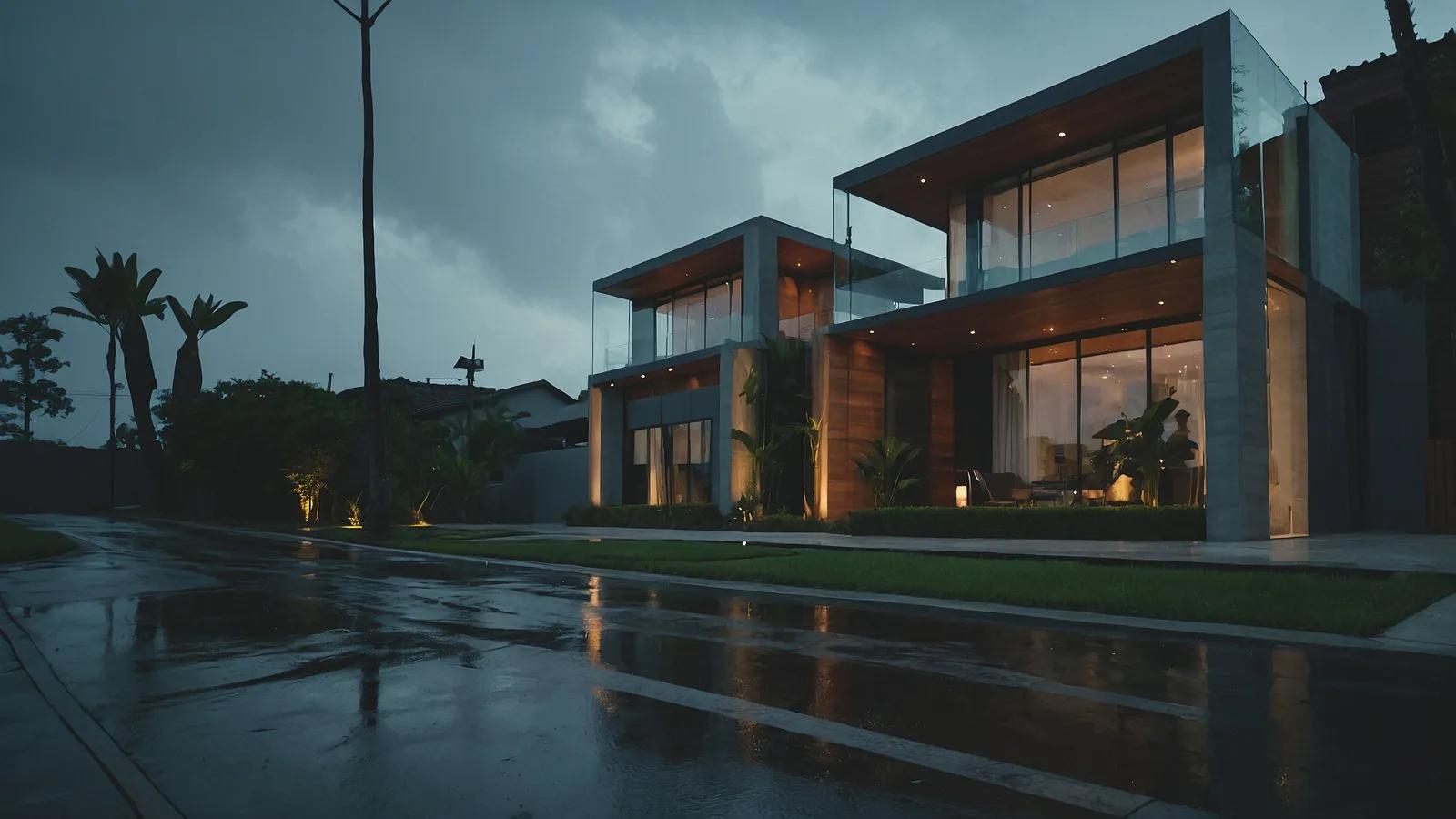 Before
Rainy to Sunny
Our AI Rainy to Sunny tool turns wet, gloomy exterior listing photos into clear, sunlit property images without changing the building, landscaping, or objects in frame. Upload a rainy exterior, and we clear the heavy grey sky, puddles, standing water, rain streaks, and visible droplets while taking the dark, water-soaked look off paving, roofing, and facade surfaces. We then re-light the scene with warm directional sunlight and consistent shadows, giving you a brighter, drier version of the same property ready for marketing.
View Rainy to Sunny →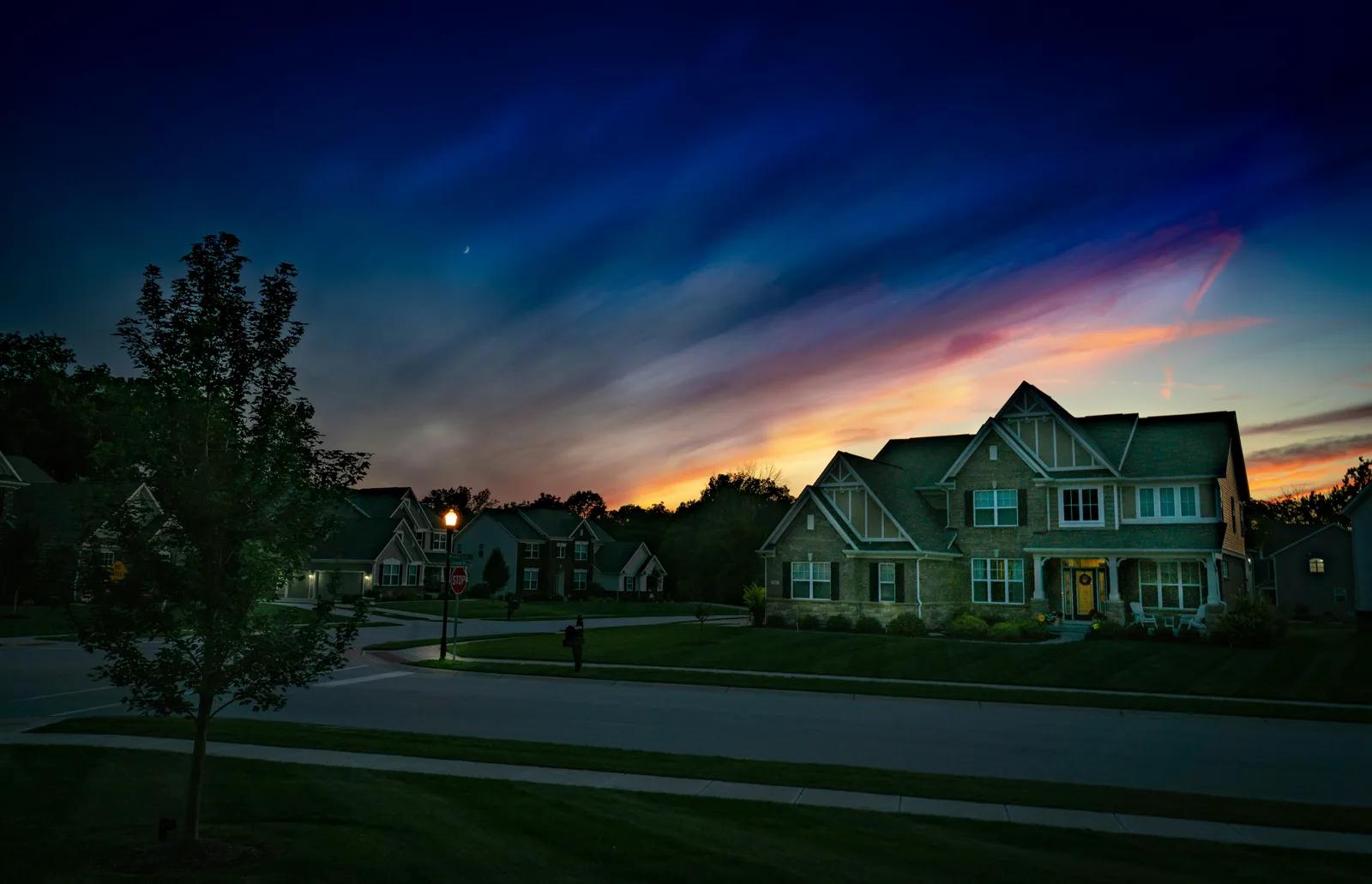 Before
Night to Daytime
Our AI Night to Daytime tool turns a dark exterior property photo into a cleaner daylight presentation without changing the building or grounds themselves. Upload a night-time listing image and we replace the night sky with a daytime one, rebalance the scene with natural-looking daylight, reduce the orange cast from porch and street lighting, and bring back visibility in the facade, roofline, landscaping, driveway, and street. We also reduce light bloom, lens flare, noise, and grain that can make after-dark property photography look harsh or muddy. You get a brighter, more readable exterior image without arranging another daytime shoot.
View Night to Daytime →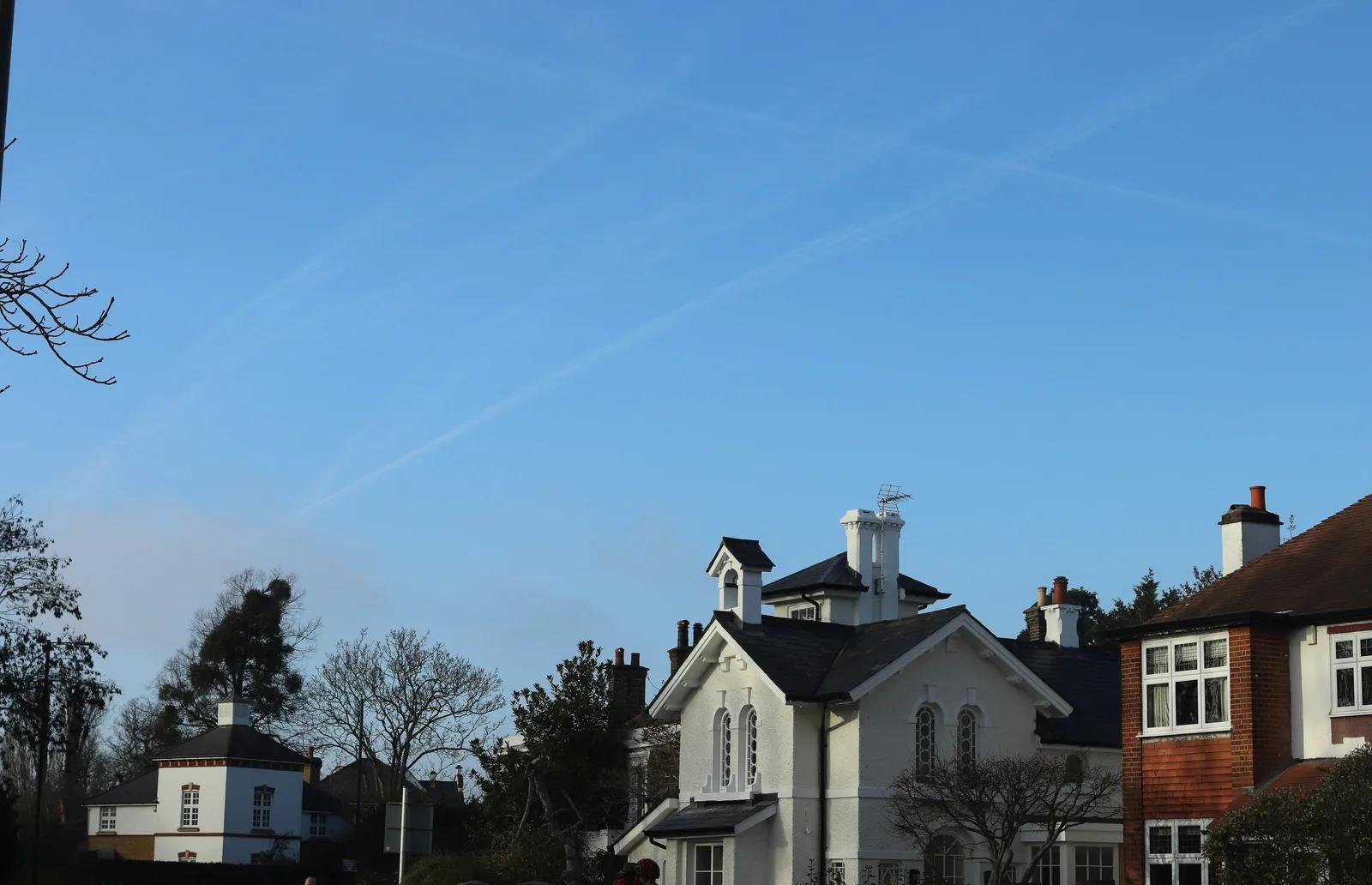 Before
Add Clouds to the Sky
Our AI Add Clouds to the Sky tool gives blank, featureless skies natural cloud detail without replacing the whole sky or changing the property below it. Upload an exterior listing photo with a flat clear sky, and we add soft, realistic clouds with believable scale and perspective towards the horizon. We keep the existing sky colour and time of day, match the cloud lighting to the sun direction already suggested by the scene, and preserve rooflines, branches, aerials, landscaping, and the building itself. The result is a more balanced, listing-ready exterior image without manual masking or compositing.
View Add Clouds to the Sky →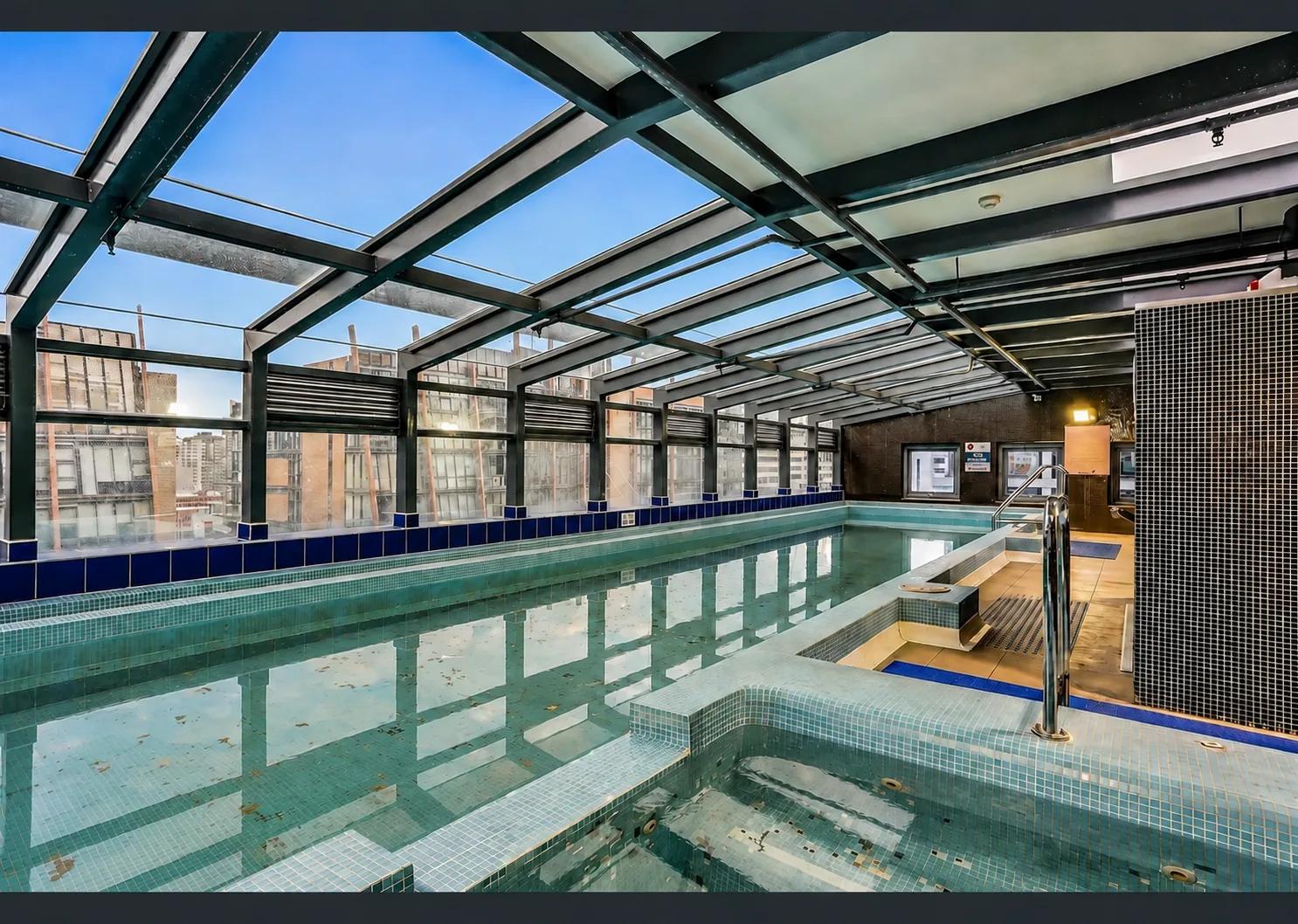 Before
Poolside Enhancement
Make pool water and its surrounds look freshly serviced.
View Poolside Enhancement →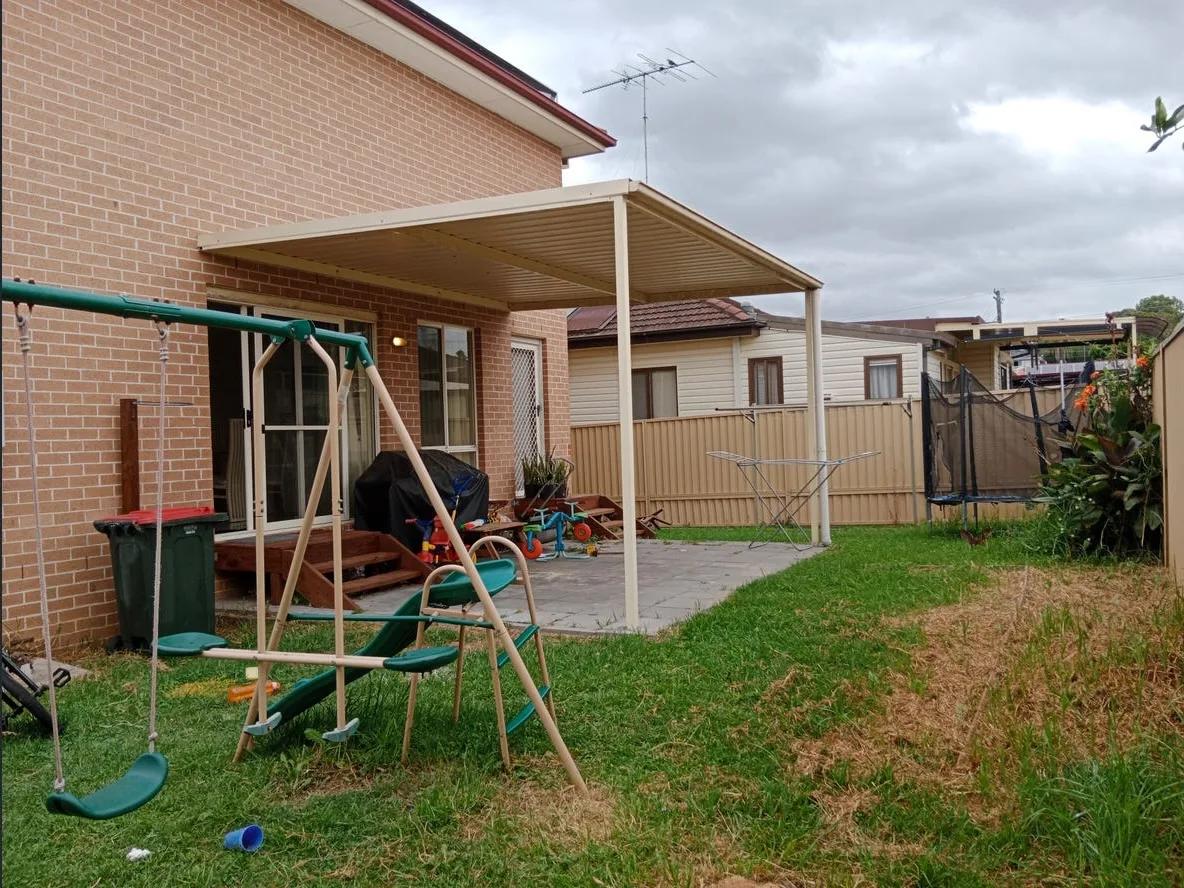 Before
Tidy Up Outdoors
Clear clutter from gardens, paths and driveways.
View Tidy Up Outdoors →Ad Description

Floor Plans & Site Maps
 Before
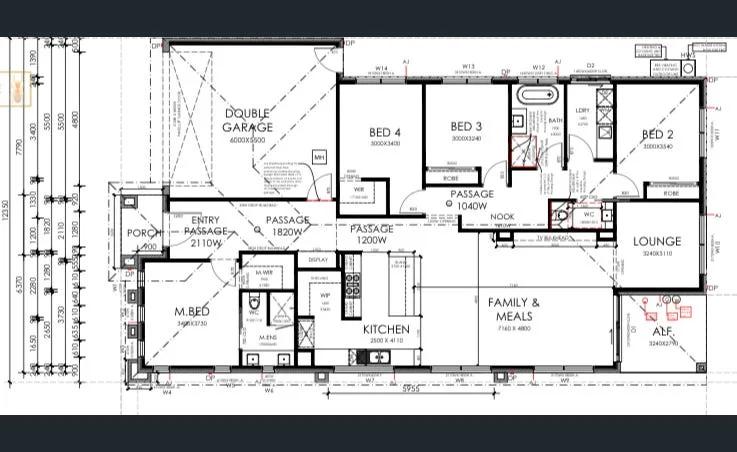
AI Floorplan Editor
Our floor plan tool turns a rough sketch or property photo into a clean 2D layout graphic you can use in listing and property marketing materials. Upload the layout reference you already have, choose the property category, and we redraw it into a clearer visual plan without making you start from a blank canvas. The workflow covers homes as well as commercial, industrial, hospitality, medical, and educational properties. You get a simple way to present spatial layout without manually rebuilding the plan or commissioning a draftsperson for a marketing graphic.
View AI Floorplan Editor →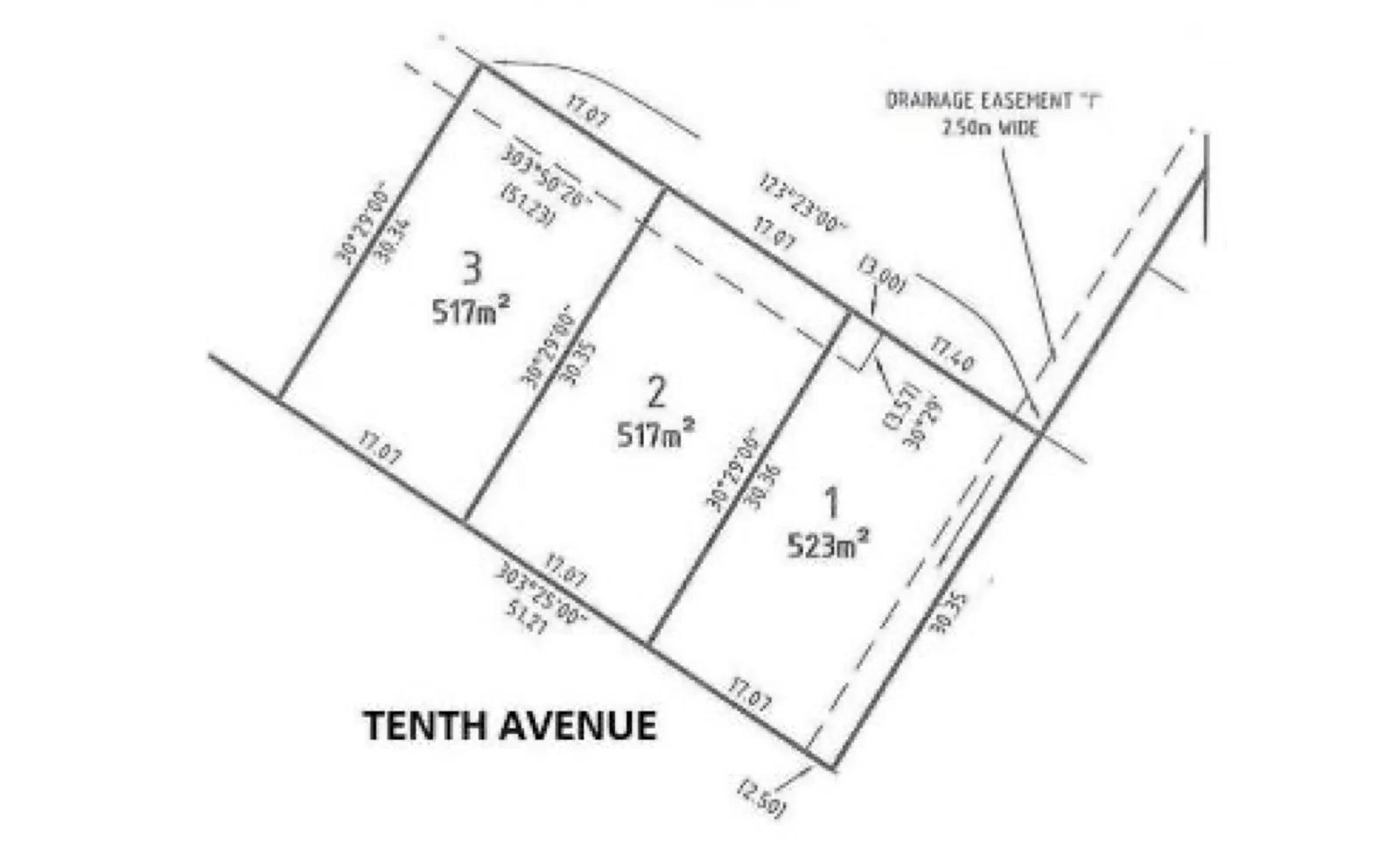 Before
Property Boundary Generator
Generate a property boundary map with measurements from a photo.
View Property Boundary Generator →