AI Poolside Enhancement Tool
Make pool water and its surrounds look freshly serviced.
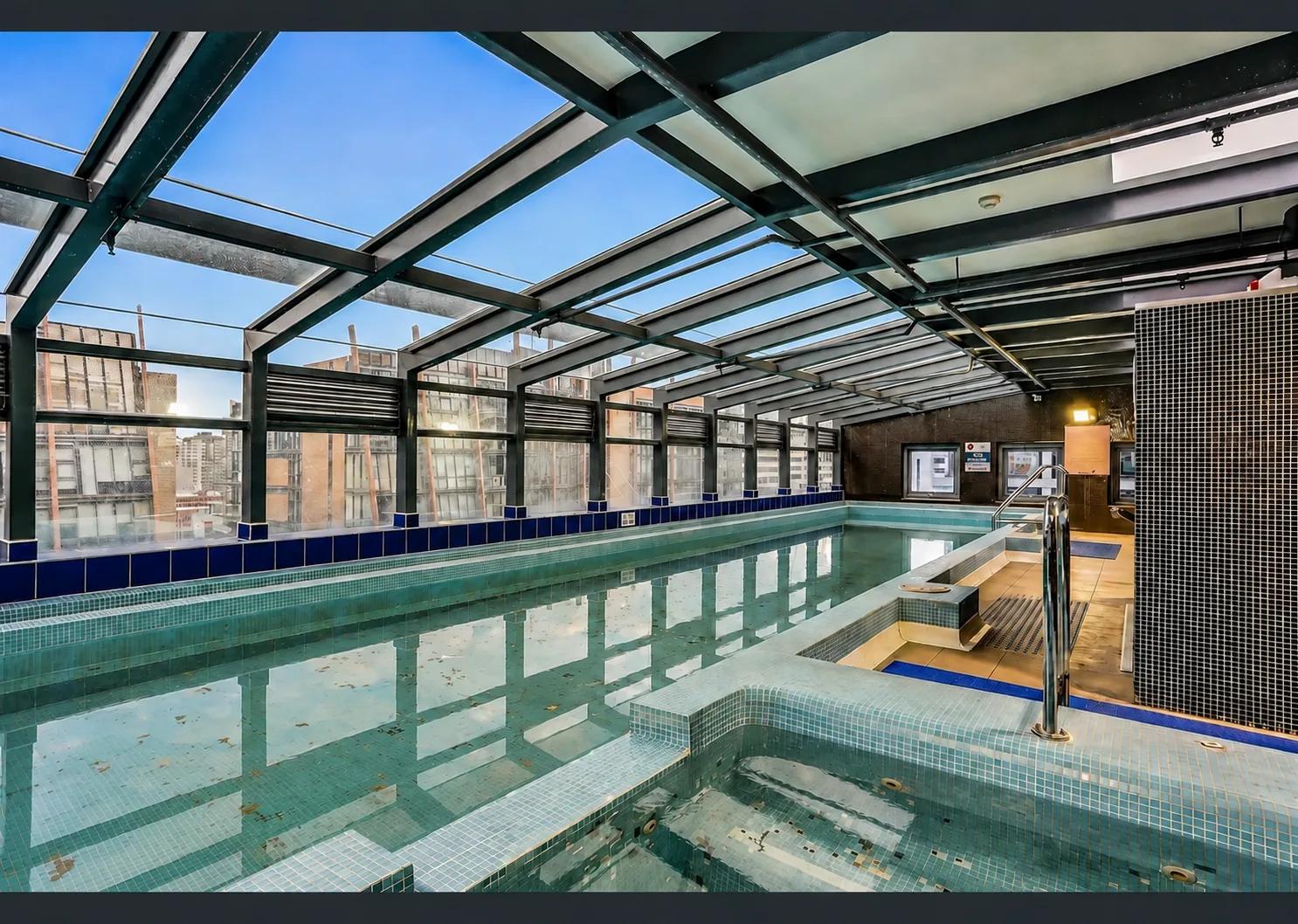
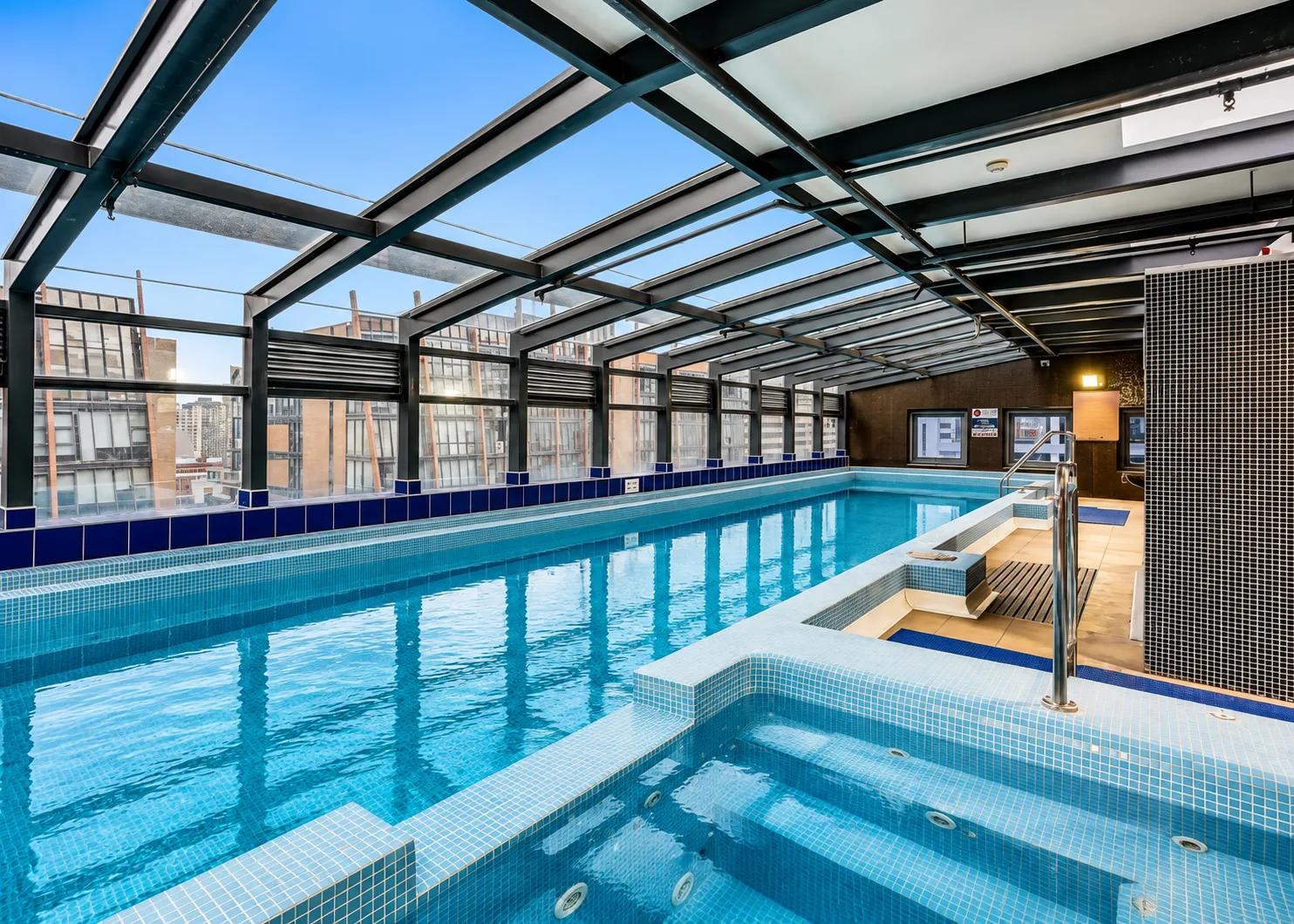
What it does
A pool is often the strongest selling point in a listing, and also the hardest thing to photograph on the day - water goes murky, leaves collect, and cleaning equipment is rarely put away for the shoot.
Poolside Enhancement clears the water to a clean, inviting blue with natural reflections and visible floor detail, cleans the waterline, tiling and coping, and removes stains and grime from the surrounding paving and decking.
It also tidies the poolside itself, removing hoses, cleaning equipment, toys, towels and clutter and rebuilding the surface behind them. The pool shape and size, the paving, fencing, furniture and landscaping are all preserved.
Who it’s for
- Agents listing properties where the pool is a headline feature
- Holiday rental and Airbnb hosts photographing between guests
- Property photographers shooting outside of pool-service schedules
How it works
- 1Upload the pool photo.
- 2Choose Poolside Enhancement from the AI Studio tools.
- 3Confirm the action - the dialog explains the edit and its credit cost.
- 4Review the result and download it.
Inputs & outputs
Limitations & things to check
- The pool is presented at its best, not altered: shape, size and surrounds stay as photographed.
- Water that is very heavily discoloured may not reach a fully pristine blue.
- Always review the result and make sure it still represents the property honestly before publishing it.
Frequently asked questions
Does it change the pool shape or size?
No. The pool geometry, paving, fencing and landscaping are preserved. Only cleanliness and water clarity change.
Does it remove poolside clutter?
Yes - hoses, cleaning equipment, toys and towels are removed and the surface behind them is rebuilt.
What about the rest of the garden?
For wider outdoor cleanup, use Tidy Up Outdoors alongside this tool.
Related tools
Tidy Up Outdoors
Clear clutter from gardens, paths and driveways.
Boost Curb Appeal
Improve exterior presentation for property photos with an AI cleanup pass.
Restore Lawns & Grass
Our AI lawn enhancement tool cleans up patchy, worn, or uneven grass in exterior listing photos while keeping the property and outdoor layout recognizable. Upload a photo of the yard, and we improve the lawn presentation: tired grass, inconsistent coverage, and areas that make the exterior feel less polished. What’s left is a cleaner, more even-looking version of the same property, ready for your listing. No landscaping day, no reshoot, no Photoshop.
More resources
Read related guides in the Enhancia Knowledge Base, or see full pricing details on the pricing page.