Property Photo Collage Maker
Combine your enhanced property photos into one collage for social and marketing.
What it does
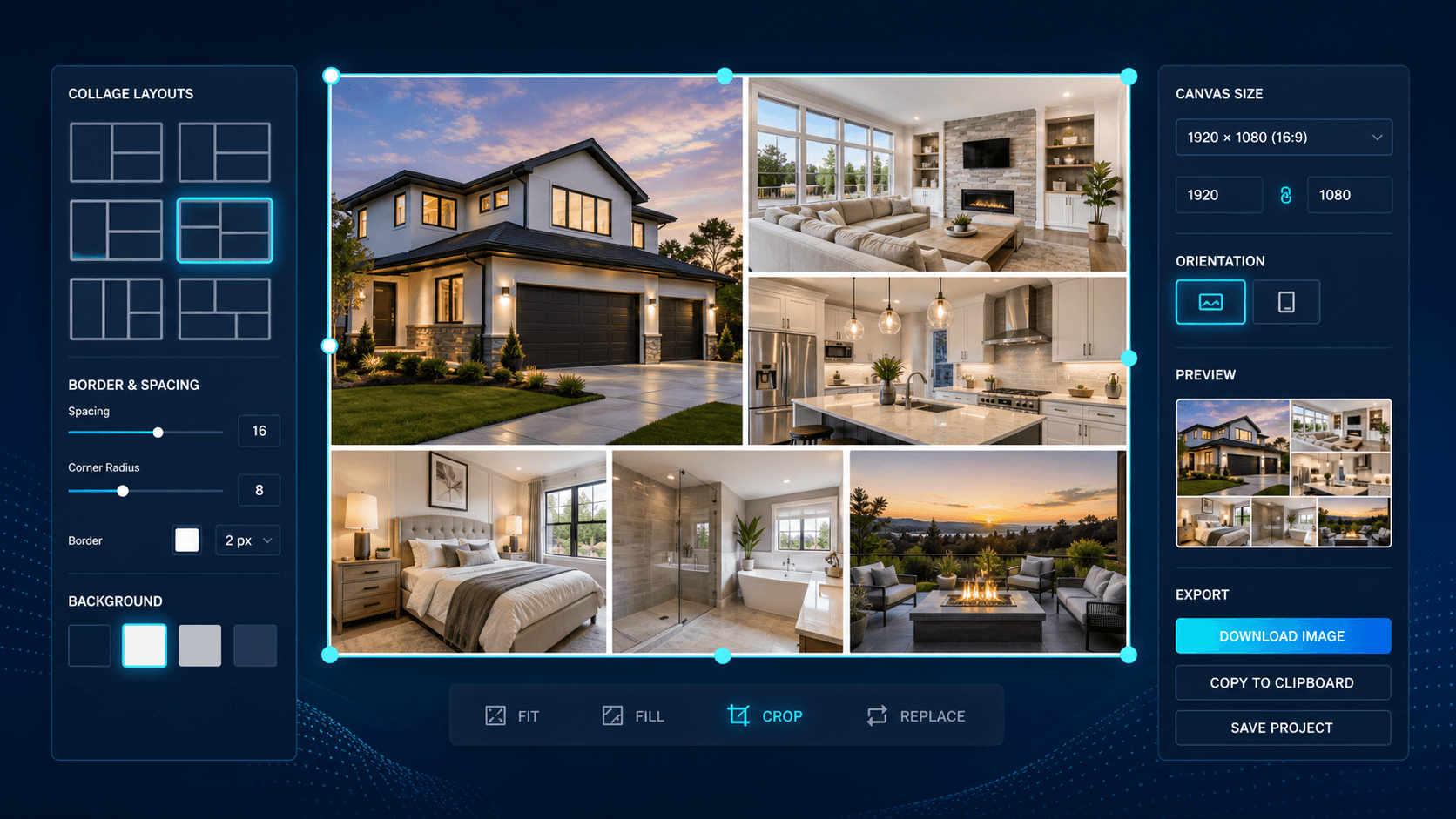
The Collage Maker combines multiple photos from a project into a single collage image, giving you one shareable asset that shows several angles or edits of a property at once instead of posting photos individually.
Who it’s for
- Agents and property managers who want one shareable multi-photo asset for social media
- Marketers assembling a quick before/after or highlights image from a project’s photos
How it works
- 1Select the photos from a project to include in the collage.
- 2Choose a layout.
- 3Enhancia generates the combined collage image.
- 4Download the collage.
Inputs & outputs
Limitations & things to check
- Collage layout options depend on what’s currently available in the product.
- Best results come from photos that have already been enhanced, since the collage combines images as-is.
Frequently asked questions
Do the photos need to be enhanced first?
Not required, but a collage generally looks best when it combines already-enhanced photos, since the tool combines the images as they are.
How many photos can go into one collage?
This depends on the layout you choose - select the photos you want included from the project and pick a layout that fits them.
Related tools
AI Property Walkthrough
Turn a set of property photos into one animated walkthrough-style video.
AI Real Estate Photo Enhancer
Our AI real estate photo enhancer gives you targeted control over the issues that make listing photos feel unfinished. Upload a property image, choose the edit it actually needs, and we improve that specific part of the photo — from colour and white balance to perspective, sky, clutter, facade presentation, or resolution. Instead of pushing one generic filter across the whole image, we help you refine the photo in focused passes, review the result, and keep building toward a clean, listing-ready finish.
More resources
Read related guides in the Enhancia Knowledge Base, or see full pricing details on the pricing page.