AI Property Slideshow Generator
Turn your listing photos into a branded slideshow video.
What it does
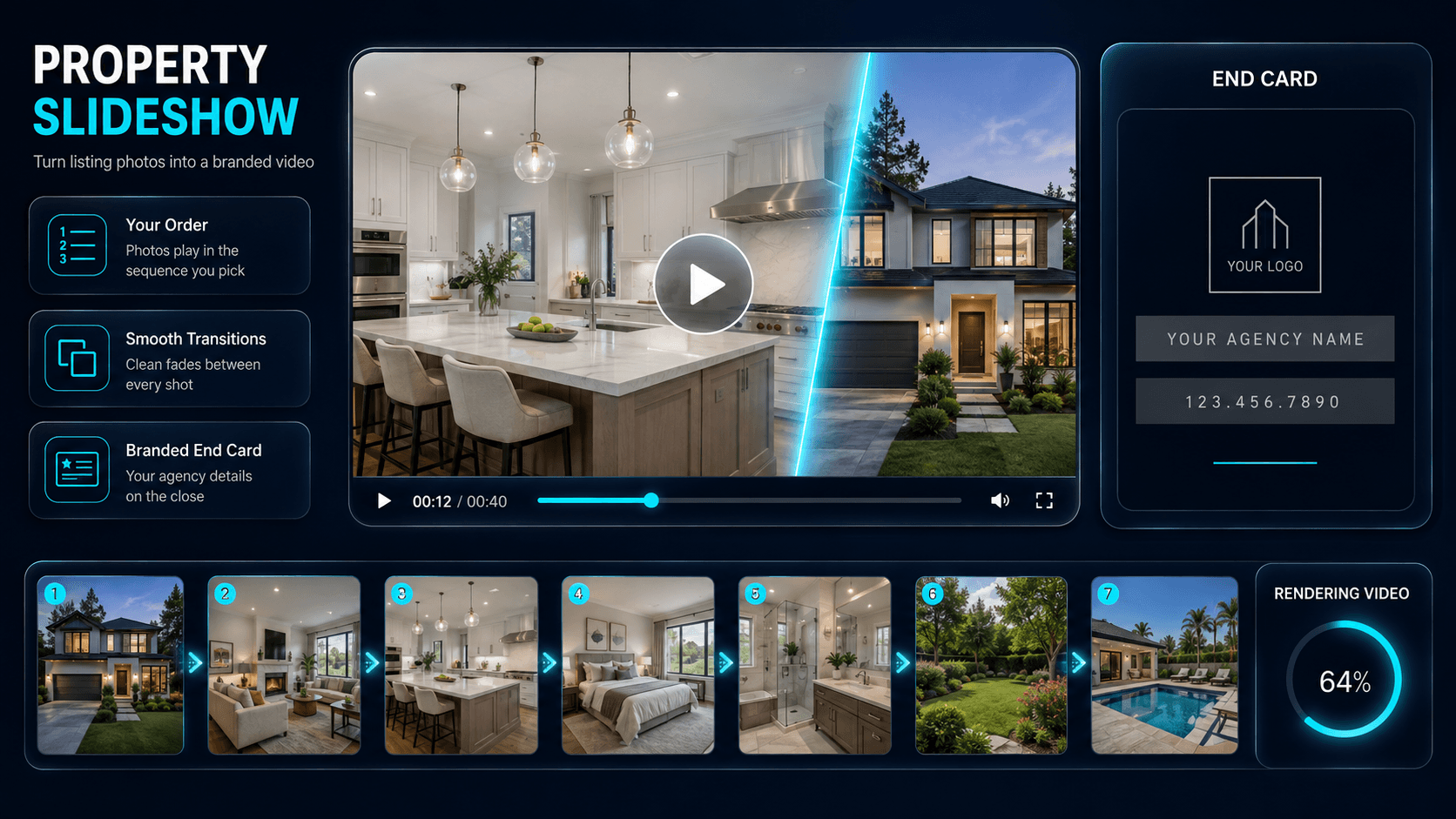
The Slideshow Generator turns photos you have already enhanced in a project into a finished property video, in the order you select them.
Each photo is presented with subtle motion and transitions rather than a static cut, and the video closes on a card carrying your agent and agency details. You can add a background track from the built-in music library.
The photos themselves are not edited by this tool - run any enhancement you want first, then build the slideshow from the results.
Who it’s for
- Agents who want a social-ready video without editing software
- Agencies producing consistent listing videos across a team
- Property managers promoting a rental to a wider audience
How it works
- 1Enhance and save the photos you want to feature into a project.
- 2Open Slideshow & Collage and select the images in the order they should appear.
- 3Choose an optional background track, then confirm - the dialog shows the credit cost.
- 4The video renders in the background and is saved to the project, ready to download.
Inputs & outputs
Limitations & things to check
- Photos are shown as-is, so run any enhancements before building the slideshow.
- A minimum of two images is required.
Frequently asked questions
Is this the same as the AI Property Walkthrough?
No. A slideshow presents your existing photos in sequence. The AI Property Walkthrough generates new animated footage from them.
Can I add music?
Yes - pick a track from the built-in library when you build the video.
Are my agency details included?
Yes. Your name, agency and contact details are pulled from your profile onto the closing card.
Related tools
More resources
Read related guides in the Enhancia Knowledge Base, or see full pricing details on the pricing page.