AI Furniture Removal for Real Estate Photos
Our AI furniture removal tool digitally clears furniture out of your room photo, leaving a clean, empty space that shows your property at its full potential. Upload a picture of a furnished or cluttered room, and we remove the pieces you don’t want on show — sofas, beds, tables, and everyday clutter — then rebuild the floor, walls, and light behind them so your result looks like the room was photographed empty. No moving, no mess, just a clean listing photo in seconds.
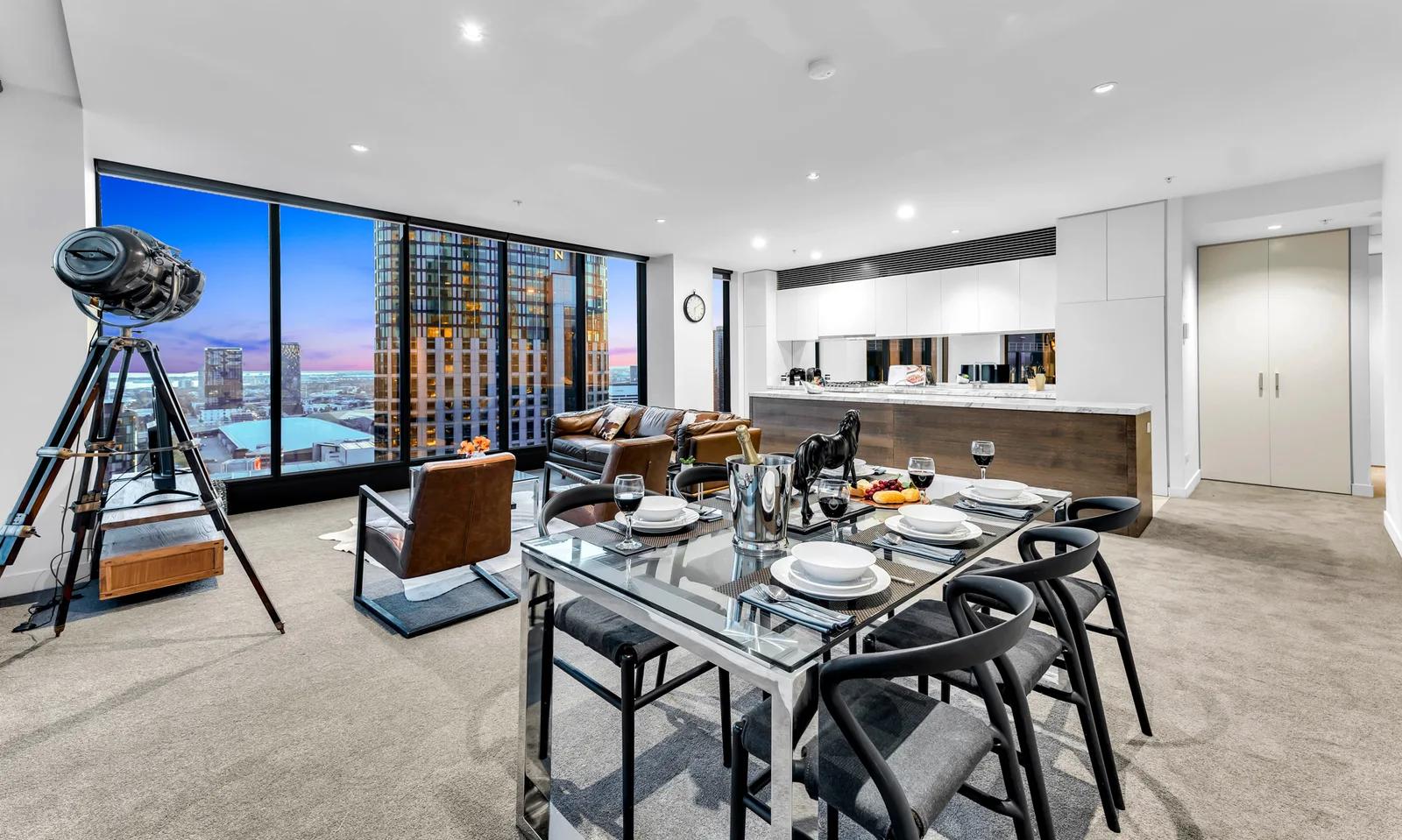
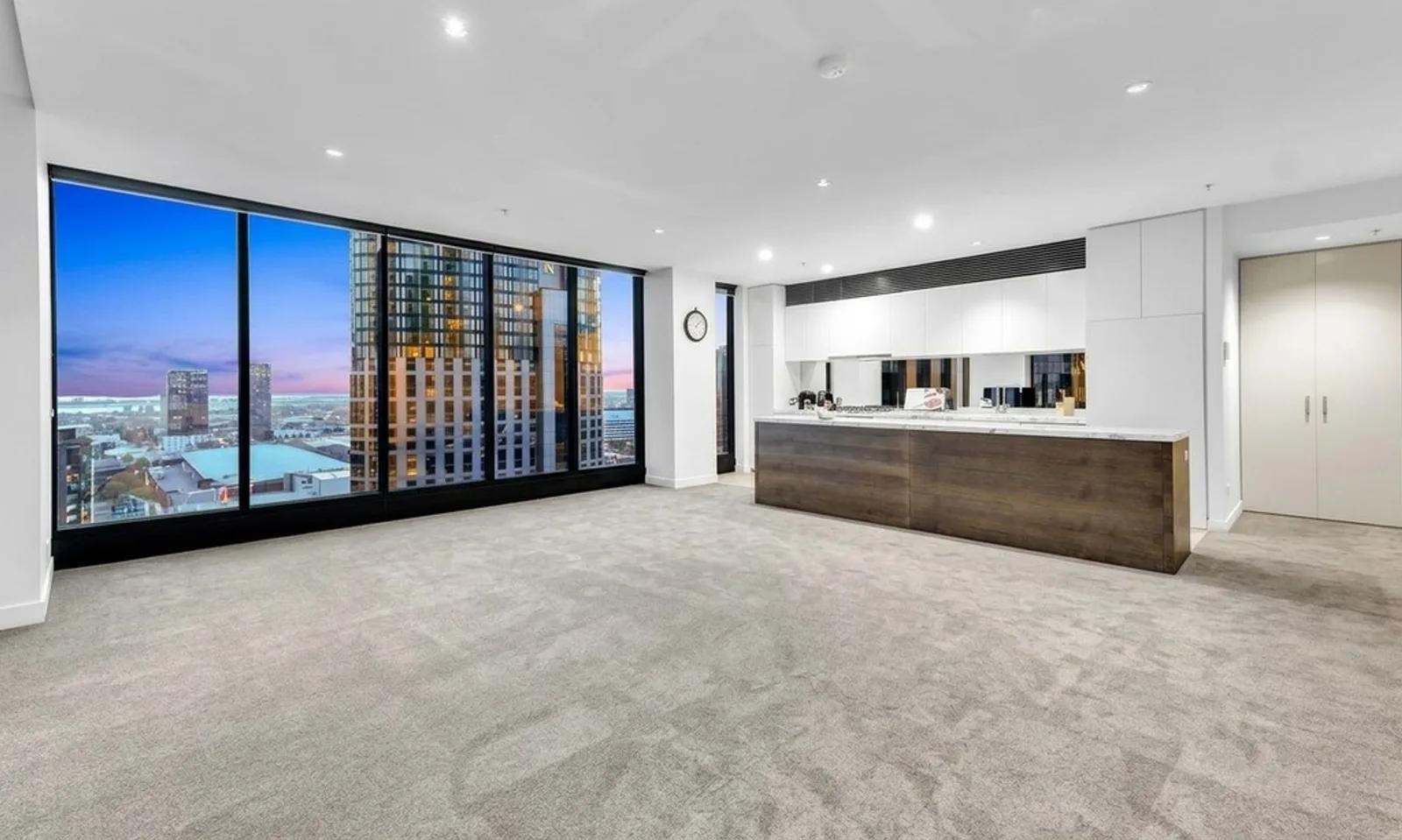
What Is AI Furniture Removal?
AI furniture removal is a photo-editing process that digitally erases furniture and objects from your interior image and reconstructs the empty space behind them. Instead of physically clearing a room or editing by hand in Photoshop, you let our AI detect each item, remove it, and fill in the floor, wall, and skirting so nothing looks cut out. You get a natural, empty-room photo from a single upload — ready for your listings, your marketing, or as a clean base before you virtually stage it.
Let’s be clear about the term: this is digital furniture removal from photographs, not a physical moving or furniture disposal service. Nothing leaves your property. We only work on the image, so you get a fast way to present a space without the distraction of someone else’s belongings.
How to Remove Furniture From a Photo
Emptying your room takes three steps and no editing experience:
- 1Upload your photo — Add a picture of the furnished or cluttered room, straight from your phone or computer.
- 2Remove the furniture — We identify the furniture and objects, clear them, and reconstruct the surfaces behind them.
- 3Download or refine — Save your clean, empty-room image in high resolution, or regenerate for a different result.
Behind the scenes, we do more than paint over objects. We reconstruct what should be visible in the emptied space — continuing the floorboards, completing the wall, and matching your room’s natural light and shadows — so your final photo reads as a genuine empty room rather than an obvious edit.
Why You Should Remove Furniture From Your Listing Photos
Buyers connect with space, not someone else’s belongings. Bulky, dated, or mismatched furniture pulls attention away from your room’s size and layout, and a lived-in home can be hard to photograph well. When you digitally clear the room, you put the property itself back in focus. Here’s why agents, photographers, and property managers use our AI furniture removal:
- Occupied and tenanted homes — Photograph a rental or lived-in property without waiting for it to be cleared, and present it cleanly while people still live there.
- Dated or distracting furniture — Remove the pieces that make your room feel smaller, older, or more cluttered than it really is.
- Showing true size and layout — An empty room reveals the proportions and flow that furniture can hide.
- A clean base for virtual staging — Clear the room first, then re-furnish it digitally with styling that suits your target buyer.
- Faster, cheaper turnarounds — Skip the cost and hassle of physically moving furniture just for a photo shoot.
What We Can Clear
Furniture removal works best on interior photos where the items sit against visible floor and walls. We handle both large pieces and the smaller things that clutter your shot:
- Living rooms — sofas, armchairs, coffee tables, rugs, and shelving.
- Bedrooms — beds, wardrobes, side tables, and personal items.
- Dining and kitchen spaces — tables, chairs, and benchtop clutter.
- Everyday clutter — boxes, decor, and tenant belongings that distract from the space.
Furniture Removal, Virtual Staging, and Decluttering
These tools solve related but different problems, and they work well together:
- Furniture removal empties your room — we take furniture and objects out of the photo to reveal a clean, blank space.
- Virtual staging does the opposite — we add furniture to an empty room so buyers can picture it furnished.
- Decluttering is the lighter touch — we tidy away small, distracting items while keeping your existing furniture in place.
Our favourite workflow: remove the current furniture, then re-furnish the same room with virtual staging — so you get a clean slate and full control over how your finished listing looks.
Inputs & Outputs
Keep Your Listings Honest
- Removing furniture from a photo is about presentation, not disguise. Your goal is to show the space clearly — not to hide permanent features, damage, or anything a buyer would reasonably expect to see. Because we only affect removable furniture and objects, your room’s real structure, dimensions, and fixed features stay exactly as they are. Used this way, an empty-room photo gives your buyers a clean, truthful view of what they’d actually be getting.
Frequently Asked Questions
What is AI furniture removal?
AI furniture removal is a photo-editing tool that digitally erases furniture and objects from a room photo and reconstructs the empty space behind them, so the room looks like it was photographed empty. We work only on your image, never the physical property.
How do I remove furniture from a photo?
Upload a photo of your furnished room, let us detect and clear the furniture, and download the empty-room result. The whole process takes 30 - 40 seconds and needs no editing skills.
Is this a moving or furniture disposal service?
No. We’re a digital tool that removes furniture from photographs. Nothing is physically moved or removed from your property — we only edit the image.
Is there a free way to remove furniture with AI?
Yes. We give you 10 free credits when you start, so you can try our AI furniture removal before buying any credits.
What is the difference between furniture removal and virtual staging?
Furniture removal takes furniture out of a photo to create an empty room. Virtual staging does the reverse, adding furniture to an empty room. Many of our users remove first, then re-stage the same space.
Does removing furniture change the room itself?
No. We only clear removable furniture and objects. Your walls, windows, floors, and other fixed features stay exactly as they appear in the original photo.
Related Tools
Virtual Staging
Furnish an empty room in a photo without moving a single piece of furniture.
AI Real Estate Photo Enhancer
Our AI real estate photo enhancer gives you targeted control over the issues that make listing photos feel unfinished. Upload a property image, choose the edit it actually needs, and we improve that specific part of the photo — from colour and white balance to perspective, sky, clutter, facade presentation, or resolution. Instead of pushing one generic filter across the whole image, we help you refine the photo in focused passes, review the result, and keep building toward a clean, listing-ready finish.
More resources
Read related guides in the Enhancia Knowledge Base, or see full pricing details on the pricing page.