Property Boundary & Site Overlay Generator
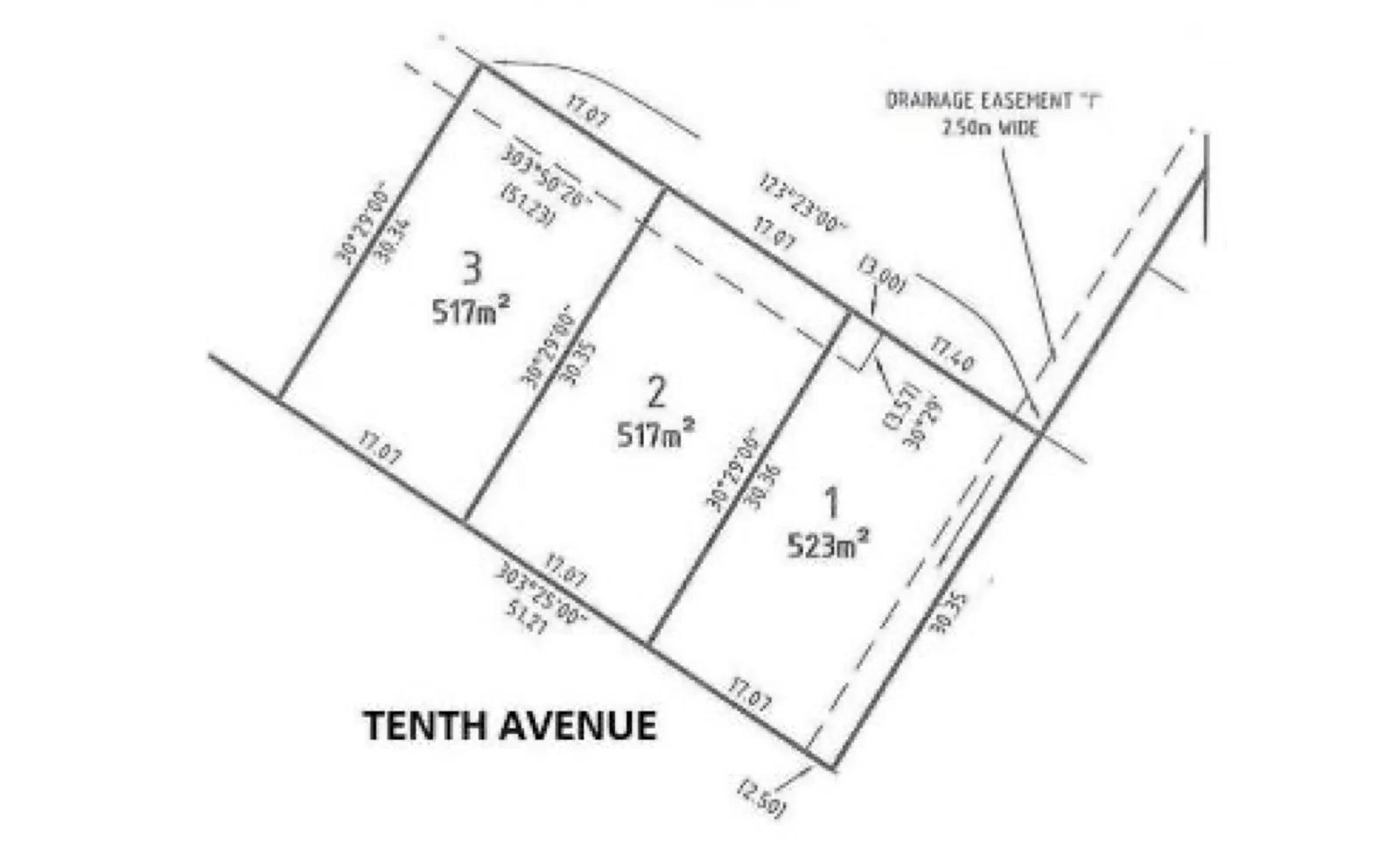
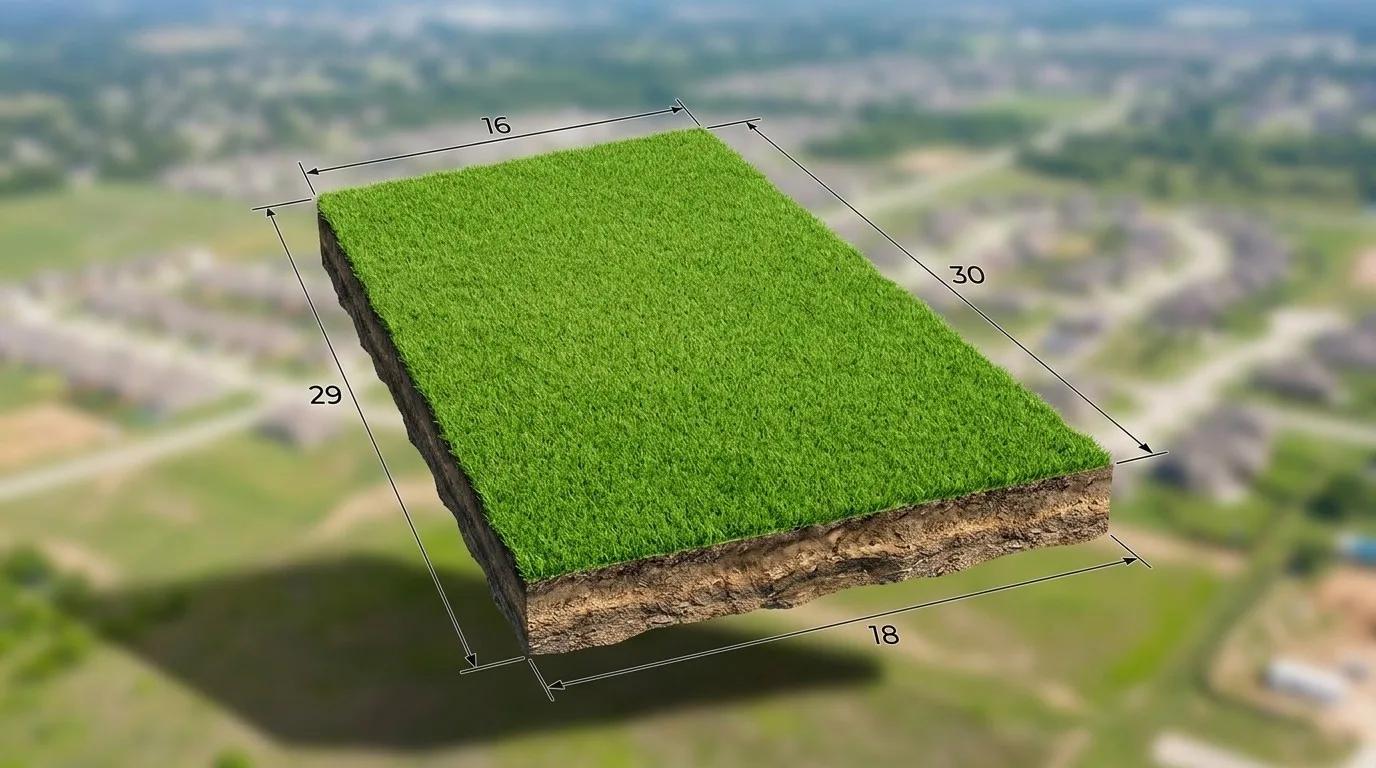
Generate a property boundary map with measurements from a photo.
What it does
The Property Boundary Generator produces a boundary map with measurements from an uploaded property image, built on the same generation tool as the Floor Plan Generator but scoped to site/lot boundaries rather than interior layouts.
Who it’s for
- Agents marketing land, acreage, or larger lots who want a simple visual boundary graphic
- Property marketers who need a quick site overlay without commissioning a formal survey
How it works
- 1Upload a photo or aerial/site image of the property.
- 2Select the Boundaries option.
- 3Enhancia generates a boundary map with measurements overlaid.
- 4Review and download the boundary graphic.
Inputs & outputs
Limitations & things to check
- This is an AI-generated visual aid for marketing, not a certified land survey - for legal boundary determination, use a licensed surveyor.
- Accuracy depends on the clarity and framing of the source image.
Frequently asked questions
Is this a legal survey?
No. It’s an AI-generated visual overlay intended for marketing use, not a certified or legally binding land survey.
What kind of source image works best?
A clear photo or aerial/site image that shows the property’s edges gives the AI the clearest reference to work from.
Related tools
AI Floorplan Editor
Our floor plan tool turns a rough sketch or property photo into a clean 2D layout graphic you can use in listing and property marketing materials. Upload the layout reference you already have, choose the property category, and we redraw it into a clearer visual plan without making you start from a blank canvas. The workflow covers homes as well as commercial, industrial, hospitality, medical, and educational properties. You get a simple way to present spatial layout without manually rebuilding the plan or commissioning a draftsperson for a marketing graphic.
AI Real Estate Photo Enhancer
Our AI real estate photo enhancer gives you targeted control over the issues that make listing photos feel unfinished. Upload a property image, choose the edit it actually needs, and we improve that specific part of the photo — from colour and white balance to perspective, sky, clutter, facade presentation, or resolution. Instead of pushing one generic filter across the whole image, we help you refine the photo in focused passes, review the result, and keep building toward a clean, listing-ready finish.
More resources
Read related guides in the Enhancia Knowledge Base, or see full pricing details on the pricing page.